
To launch a memecoin on Raydium, open LaunchLab at raydium.io/launchpad, connect a Solana wallet, click Launch token, choose JustSendIt mode, add a name, ticker, description and image, and approve the transaction. Raydium lists no creation fee; its documentation says to keep about 0.05 to 0.1 SOL in the wallet. A JustSendIt token has a supply of 1 billion and graduates to a Raydium pool once its bonding curve has raised 85 SOL.
This guide covers both launch modes, every setting in the advanced options, the fees, and what happens to the liquidity at graduation. For a live walkthrough of the advanced options, watch the video:
Raydium LaunchLab at a Glance
Setting | What Raydium LaunchLab does |
|---|---|
Where | raydium.io/launchpad; the create form is at raydium.io/launchpad/create |
Chain | Solana |
Cost to create | No creation fee is listed. Keep about 0.05 to 0.1 SOL for JustSendIt, or 0.1 to 0.5 SOL for LaunchLab mode, to cover network fees and account rent. |
Default supply | 1,000,000,000 tokens with 6 decimals |
JustSendIt mode | Raises 85 SOL, with 79.31% of the supply sold on the bonding curve |
LaunchLab mode | You set the supply, a raise of at least 24 SOL, 51% to 80% of supply on the curve, and optional vesting of up to 30% |
Fee on the bonding curve | 1.05% per trade on Raydium's own platform: 0.25% protocol, 0.75% platform and 0.05% to the creator |
After graduation | Liquidity moves to a Raydium CPMM pool. 90% of the LP tokens are burned and 10% are locked. |
LaunchLab program ID |
|
Figures are from the Raydium LaunchLab documentation and Raydium's live launch configuration, checked on November 15, 2026.
What Is Raydium LaunchLab?
LaunchLab is the token launchpad built into Raydium, one of the main decentralized exchanges on Solana. It lets anyone create a token that trades on a bonding curve with no starting liquidity. When the curve has raised its target, the liquidity moves automatically into a Raydium pool and the token trades like any other.
Other launchpads run on the same program with their own fees. Bonk.fun (letsbonk.fun) is the best known; see our guide to launching on Bonk.fun.
What You Need Before You Start
- A Solana wallet such as Phantom, Solflare or Backpack.
- A little SOL for network fees and rent, plus the amount of any first buy.
- A square token image or GIF of at least 128 x 128 pixels, up to 5 MB.
- A name of up to 32 characters, a ticker of up to 10 characters and a description.
- Your final choices. The form warns that token data cannot be changed after creation.
How to Launch a Memecoin on Raydium LaunchLab
The screenshots below were taken in October 2025. The second mode has since been renamed from Advanced to LaunchLab; the steps use the current labels.
Step 1: Open LaunchLab on Raydium
Go to raydium.io and open LaunchLab.
Go to raydium.io and choose LaunchLab in the navigation, or open raydium.io/launchpad directly. Check the address before you connect a wallet.

Step 2: Connect your wallet
Click Connect Wallet and choose your Solana wallet.
Click Connect Wallet at the top right and choose your wallet. Raydium's documentation names Phantom, Solflare, OKX Wallet and Backpack as software wallets and Ledger as a hardware wallet.


Step 3: Click Launch token
Click Launch token to open the create form.
Click Launch token. The create form opens with two tabs: JustSendIt and LaunchLab.

Step 4: Fill in the token details
Enter the name, ticker and description, upload the image, and add optional links.
Both modes start with the same basic details:
- Name and Ticker
- Description
- Image or GIF, which is required
- Optional links under Socials & more options: Telegram, website and X

Step 5: Choose JustSendIt or LaunchLab mode
Stay on JustSendIt for the standard settings, or open the LaunchLab tab to set your own.
JustSendIt uses fixed settings: a supply of 1 billion, 79.31% sold on the bonding curve, and graduation when the curve has raised 85 SOL. There is nothing else to configure, which makes it the right choice for a first launch.
LaunchLab opens the advanced options. Raydium labels them as a tool for advanced users:

Advanced option | What it sets |
|---|---|
Quote Token | The asset buyers pay with. On raydium.io this is SOL. |
Token Supply | The total number of tokens |
SOL Raised | How much the curve must raise before graduation. The minimum is 24 SOL. |
Bonding Curve | The share of supply sold on the curve, from 51% to 80%. The rest goes to the pool at graduation. |
Vesting | The share of supply locked and released over time. The maximum is 30%, and locked plus sold tokens cannot exceed 80%. |
Vesting Duration and Cliff | How many days the vesting lasts, and an optional number of days after graduation before it starts |
The Curve Preview shows the starting market cap and the market cap at migration for the values you enter. If you use vesting, set the vesting wallet address before the token graduates. It cannot be changed afterwards, and locked tokens with no wallet assigned are stuck for good.
Step 6: Add an optional first buy and create the token
Enter a first buy amount if you want one, review, click Create token and approve in your wallet.
You can enter an amount of SOL to buy your own token in the same transaction. It is optional; Raydium's documentation recommends it as a way to get in ahead of sniper bots. Review everything, click Create token (or Launch and Buy Token if you added a first buy), and approve the transaction in your wallet.
The token is live on its bonding curve as soon as the transaction confirms.
What Happens After Launch
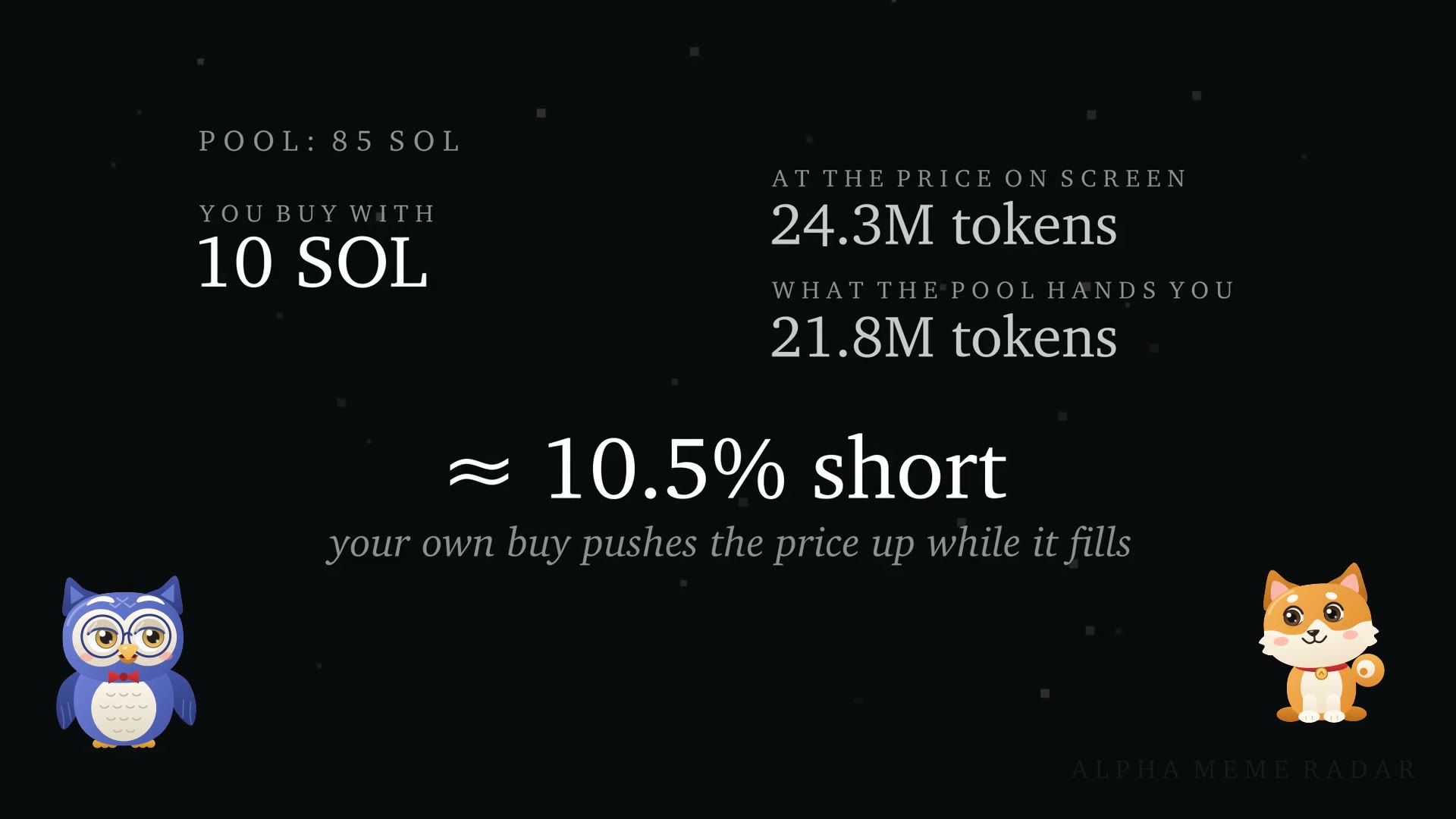
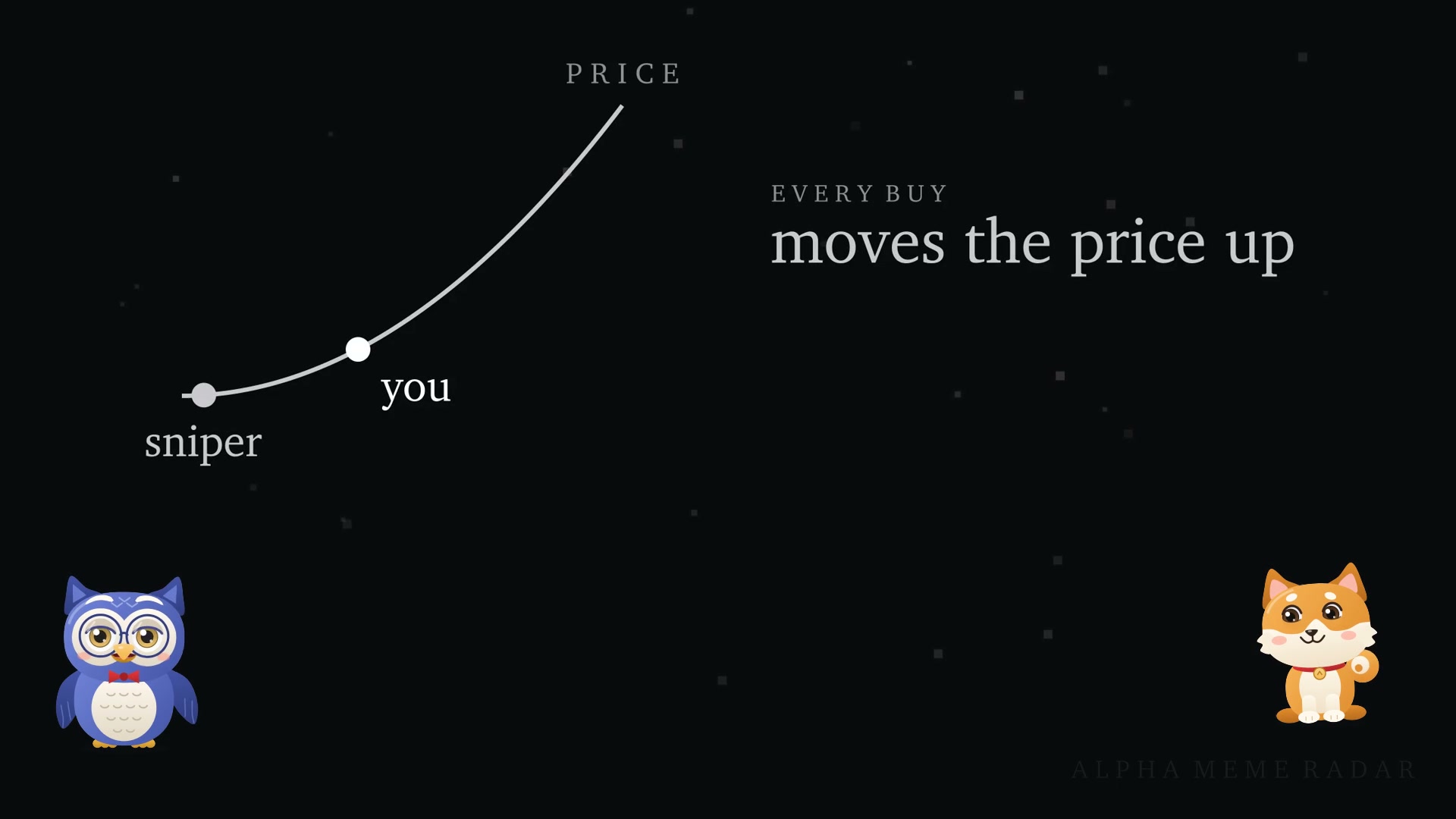
- Bonding curve. Buyers trade against a constant-product curve. Each buy raises the price and each sell lowers it. See what slippage is for why bigger trades get a worse price.
- Graduation. When the curve reaches its target (85 SOL in JustSendIt mode), the liquidity moves to a Raydium CPMM pool, normally within about five minutes. Raydium's configuration charges no migration fee.
- LP tokens. On Raydium's own platform, 90% of the pool's LP tokens are burned and 10% are locked. Since an upgrade on August 17, 2026, the fee rights on that locked 10% go to the platform, not to the token creator.
- If it never graduates. The token stays on the curve, and holders can only sell back to it.
- Authorities. The mint authority is revoked when the token is created and a freeze authority is never set, so no more tokens can be minted and wallets cannot be frozen.
Fees and Creator Earnings
- On the curve: every buy and sell pays 1.05% on Raydium's platform. Of that, 0.05% goes to the creator.
- After graduation: the pool charges a 0.25% trading fee plus a 0.05% creator fee, paid in SOL.
- Claiming: creator fees are claimed from the Portfolio page on Raydium.
- Referrals: a trader who shares a referral link earns 0.1% of the curve trades made through it.
Creator fees are a small share of volume, and most new tokens see little trading. Burned LP tokens stop the pool from being withdrawn, which removes one kind of rug pull, but a creator with a large holding can still sell. A token's market cap is not the money in its pool.
Frequently Asked Questions
How do I create a meme coin on Raydium?
Open LaunchLab at raydium.io/launchpad, connect a Solana wallet, click Launch token, fill in the name, ticker, description and image in JustSendIt mode, and approve the transaction.
How much does it cost to launch a token on Raydium LaunchLab?
Raydium lists no creation fee. Its documentation says to hold about 0.05 to 0.1 SOL for a JustSendIt launch and 0.1 to 0.5 SOL for a LaunchLab-mode launch, to cover network fees and rent.
What is the difference between JustSendIt and LaunchLab mode?
JustSendIt uses fixed settings: 1 billion supply, 85 SOL raise, 79.31% on the curve. LaunchLab mode lets you set the supply, the raise (at least 24 SOL), the share sold on the curve (51% to 80%) and vesting (up to 30%).
What is the Raydium LaunchLab program ID?
On Solana mainnet it is LanMV9sAd7wArD4vJFi2qDdfnVhFxYSUg6eADduJ3uj, as listed in Raydium's program addresses.
Where does a LaunchLab token trade after it graduates?
In a Raydium CPMM pool. It is also picked up by Solana aggregators that route through Raydium.
Is LaunchLab the same as creating a token and a pool on Raydium yourself?
No. With LaunchLab you provide no liquidity; the bonding curve raises it from buyers. Creating a pool directly means supplying both sides of the liquidity yourself.
Where are the Raydium LaunchLab docs?
At docs.raydium.io, under LaunchLab.
Related Guides
- How to make a coin on Pump.fun
- How to launch a memecoin on Bonk.fun
- How to launch a token on Jupiter Studio
- How to launch a memecoin on Bags
- Launching on Meteora DBC: what the bonding curve's fee settings do
- What is a sandwich attack?
This guide is for education and is not financial advice. Launching or buying a memecoin can lose you the full amount you put in.