Meteora's docs now list rate-limiter fees and DAMM v1 as closed to new launches. Here is how fixed, linear and exponential fees work, who gets paid and what happens at graduation.
Meteora's rate limiter, the tool that charged more on large early buys, is closed to new launches. Its replacement is a fee that starts high and drops on a schedule, and that schedule decides who pays during a launch's first minutes.
This guide is based on Meteora's documentation as read on November 14, 2026. A short glossary comes first, since the docs use several terms without defining them.
Term | Meaning |
|---|---|
DBC | Dynamic Bonding Curve, Meteora's Solana launch program. A token trades on a curve until it graduates. |
Bonding phase | The period when the token trades on the curve, before graduation. |
Quote token | The asset traders pay with, such as SOL or USDC. |
Config | A reusable template that holds the fee, migration and liquidity-lock settings for a launch. |
Partner | The owner of a config. A launchpad is a partner, and so is anyone who builds their own config. |
Creator | The wallet that launches a token from a config. |
Graduation (migration) | The move from the curve into a permanent DAMM v2 pool once the quote reserve reaches the migration threshold. |
What Changed for New Launches
Meteora's DBC changelog records four changes that affect anyone launching today. Existing pools are unaffected by the first two.
Item | Status for new configs and pools | What to use instead | Release |
|---|---|---|---|
Rate limiter fee mode | Rejected | Fixed, linear or exponential scheduler, optionally with dynamic fees | 0.2.1 |
Migration to DAMM v1 | Rejected | DAMM v2, which is now required | 0.2.1 |
| Deprecated |
| 0.2.2 |
Transfer fee on the base token (Token 2022) | Newly supported, through | Conditions are listed in the token settings table below | 0.2.2 |
On timing, the changelog lists release 0.2.1 with mainnet deployment planned for September 9, 2026, and shows 0.2.2 as live on mainnet and devnet without giving a date. The fee rules below follow Meteora's DBC fee documentation and its launch configuration checklist.
Every Swap Pays a Base Fee, and Sometimes a Dynamic Fee
Each swap on the curve pays a trading fee made of two parts: a required base fee and an optional dynamic fee. The dynamic fee rises when price moves fast and decays when trading calms down, so a launch can charge more during volatile bursts without raising the base fee for everyone. In Meteora's own helper example, a 1% base fee plus up to 0.20% in dynamic fee gives a total of up to 1.20%.
Fee limit | Value |
|---|---|
Minimum base fee (bonding phase) | 0.25% |
Maximum total fee (base plus dynamic) | 99% |
On-chain format | Numerators over 1,000,000,000, so 0.25% is stored as 2,500,000 |
The launcher also chooses which token the fee is paid in.
Collect fee mode | Buyers pay the fee in | Sellers pay the fee in |
|---|---|---|
Quote token | The quote token, taken from the amount they put in | The quote token, taken from the amount they receive |
Output token | The new token | The quote token |
Fixed, Linear or Exponential: Choosing the Base Fee Style
The fee scheduler controls how the base fee changes after the pool opens. All three styles run on the same four settings.
Style | How the fee changes | Best fit |
|---|---|---|
Fixed | Stays at the cliff fee for the whole bonding phase | Simple launches with no fee decay |
Linear | Drops by the same amount each period | A public, predictable countdown |
Exponential | Drops by a percentage of the current fee each period | Strong protection at the open, faster relief afterward |
Scheduler setting | Meaning |
|---|---|
Cliff fee | The starting fee when trading opens |
Number of periods | How many fee reductions can happen |
Period frequency | How long each period lasts |
Reduction factor | How much the fee drops each period |
Four rules keep a schedule valid. A fixed fee is a scheduler with the last three settings all set to zero. If any of those three is non-zero, all three must be non-zero. The ending fee can't fall below the 0.25% floor. And time units depend on the activation type: timestamp-based launches use seconds, while slot-based launches use slots, which the Invent sample config treats as 0.4 seconds each. The Invent config asks for a number of periods and a total duration, which works out to a period length of total duration divided by number of periods.
The example below shows how the two decaying styles differ. The numbers are illustrations worked out from Meteora's formulas, not settings from a real launch.
Period | Linear (start 5%, minus 0.7 points each period) | Exponential (start 5%, minus 20% of the current fee each period) |
|---|---|---|
0 | 5.00% | 5.00% |
1 | 4.30% | 4.00% |
2 | 3.60% | 3.20% |
3 | 2.90% | 2.56% |
4 | 2.20% | 2.05% |
5 | 1.50% | 1.64% |
The fee a trader pays depends on when they buy. On a 10 SOL buy:
Fee at time of buy | Fee paid on 10 SOL |
|---|---|
5.00% (period 0) | 0.500 SOL |
1.64% (exponential, period 5) | 0.164 SOL |
1.50% (linear, period 5) | 0.150 SOL |
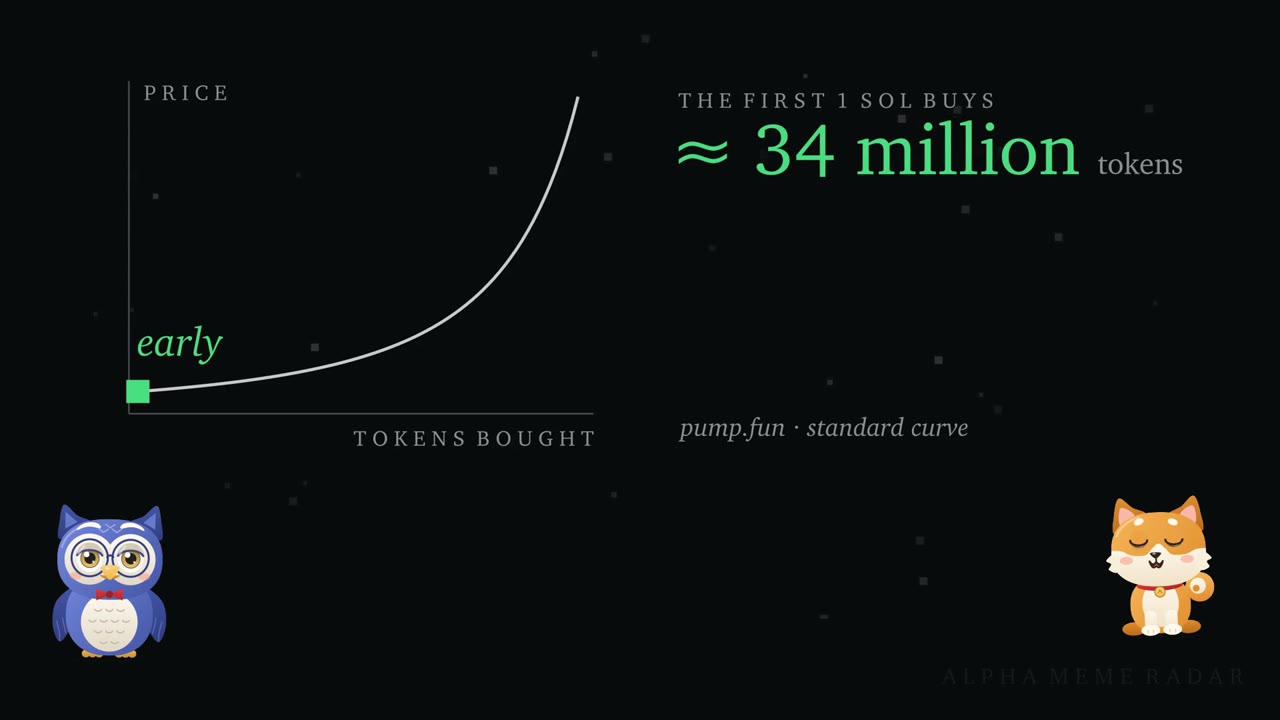
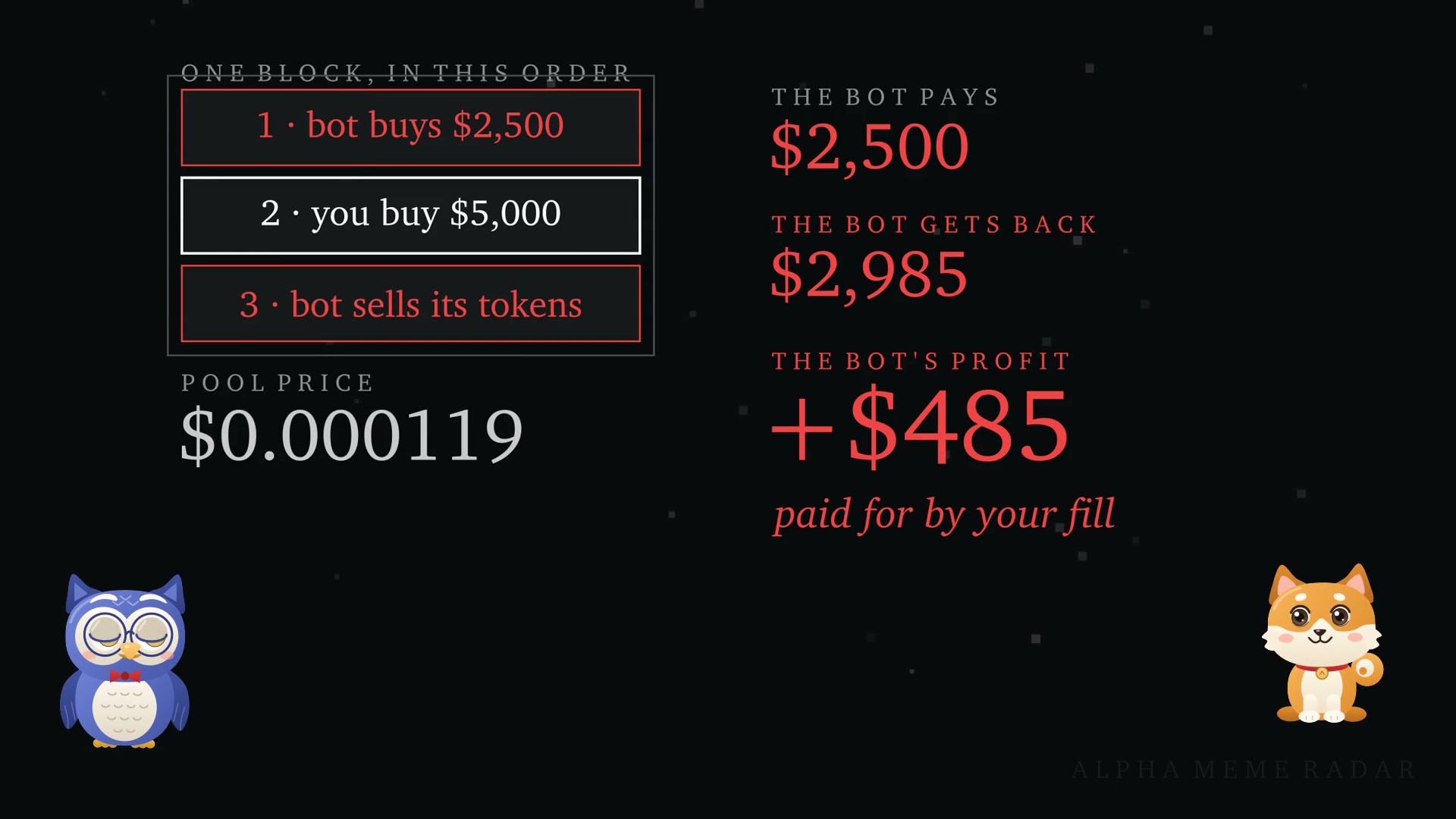
A flat fee charges a bot and an ordinary buyer the same rate. A high starting fee charges whoever buys first, which is not always a bot, so the opening rate also affects regular early buyers. Meteora offers one narrow exception: if the first-swap setting is enabled, the first swap in the pool-creation transaction pays the minimum fee, which suits creator bundled buys. With the rate limiter gone, Meteora's docs point launchers to a high starting scheduler fee, or dynamic fees on top, for taxing large early buys.
Who Gets Paid
The protocol takes 20% of every trading fee. A referral, when one is present, is paid out of that protocol share, so it doesn't add to the total. Whatever remains is divided between the partner and the creator by the creator_trading_fee_percentage setting.
Recipient | Share of each trading fee |
|---|---|
Protocol | 20% |
Referral (if present) | 20% of the protocol's share, paid from it |
Partner and creator | The remaining 80%, split by the creator fee percentage |
Here is how the split works on a $1,000 buy at a 1% fee, which produces $10 in fees:
Creator fee percentage | Protocol | Partner | Creator |
|---|---|---|---|
0% | $2.00 | $8.00 | $0.00 |
20% | $2.00 | $6.40 | $1.60 |
50% | $2.00 | $4.00 | $4.00 |
100% | $2.00 | $0.00 | $8.00 |
If a referral account is present, $0.40 of the protocol's $2.00 goes to the referrer. The partner and creator columns don't change.
The partner sets the creator percentage when it builds the config. On a launchpad built on DBC, that means the launchpad decides, so the config is worth reading before launching. A launcher who builds their own config is both partner and creator and sets the split directly. Fees accrue with each swap, and partners and creators can claim them during the bonding phase without waiting for graduation. A partner can also charge a one-time pool creation fee of 0.001 to 100 SOL, split 90% to the partner and 10% to the protocol.
What Happens at Graduation
A curve completes when its quote reserve reaches the migration threshold. Curve trading then stops, and the quote tokens collected plus the configured base tokens seed a DAMM v2 pool. Meteora runs a migration keeper that moves eligible completed pools automatically. According to the migration page, the keeper acts when the config's threshold matches one of these amounts:
Quote token | Migration threshold |
|---|---|
SOL (wrapped) | 10 SOL |
USDC | 750 USDC |
TRUMP | 100 TRUMP |
JUP | 1,500 JUP |
USD1 | 750 USD1 |
MET | 1,500 MET |
JupUSD | 750 JupUSD |
VIRTUAL | 42,000 VIRTUAL |
Two more keeper rules exist. Stock Token pairs qualify when the threshold is at least 750 USD in the quote token. A quote token that is Jupiter Verified, has a Jupiter Organic Score above 50 and a notional value above $750 also qualifies. The docs don't say what happens to a pool outside these rules. The documented alternative is Meteora's manual migrator, so the quote token and threshold are worth checking against this table before launch.
Graduation carries three separate fees, which are easy to confuse.
Fee | What it is | Range |
|---|---|---|
Migration fee | A one-time cut of the migration quote amount, which can be split between partner and creator | Up to 99% on the launch configuration page. The Invent sample config says 0% to 50%. |
Protocol liquidity migration fee | A fixed fee that reduces the liquidity entering the new pool | 0.2% (20 basis points) |
Migrated pool fee | The trading fee in the DAMM v2 pool after graduation | Fixed options of 0.25%, 0.3%, 1%, 2%, 4% or 6%, or a custom fee of 0.1% to 10% |
The migrated pool can also use a market-cap scheduler, which adjusts its fee after graduation without touching the bonding-phase fee.
The liquidity rules are the clearest signal for buyers. Unlocked liquidity can be withdrawn by whoever holds it, while locked and vesting liquidity can't be pulled out until the lock or vesting schedule allows it.
Liquidity rule | Limit |
|---|---|
Distribution | Partner and creator buckets (unlocked, permanently locked, vesting) must total 100% |
Minimum locked | At least 10% must still be locked one day after migration |
Maximum vesting period | Two years |
Token Settings That Affect Buyers
Setting | Rule |
|---|---|
Token decimals | 6 to 9 |
Token type | SPL Token or Token 2022. Token 2022 launches must migrate to DAMM v2. |
Mint authority | Always revoked at creation on standard pools. Creator or partner mint authority is allowed only on transfer-hook configs. |
Transfer fee on the base token | Token 2022 only, capped at 10%, set through |
Where Meteora's Docs Disagree
Meteora's core product pages and the sample config in its Invent quickstart don't always match. Launchers are likely to hit these four gaps.
Topic | Core docs say | Invent sample config says | What to do |
|---|---|---|---|
Rate limiter | Deprecated and rejected for new configs | Still lists it as base fee mode 2 | Use fee scheduler mode 0 (linear) or 1 (exponential) |
Minimum base fee | 0.25% floor in the bonding phase | Ending fee minimum of 0.01% (1 basis point) | Treat 0.25% as the floor. The SDK changelog says it checks fees against program bounds. |
Migration fee cap | Up to 99% | 0% to 50% | Confirm in a dry run |
Dynamic fee size | Helper adds up to 20% of the base fee | Adds 20% of the minimum base fee | Confirm in a dry run. The two readings match on a flat schedule. |
A Launcher's Checklist
Step | Decision | Notes |
|---|---|---|
1 | Route | On a launchpad, the partner's config sets every fee, so read it first. To self-run, use Meteora Invent, which needs Node 22.12 or newer and pnpm 10 or newer. Its sample config ships with |
2 | Quote token and migration threshold | Match the keeper table above. |
3 | Base fee style and numbers | Fixed, linear or exponential, with a cliff fee, periods and reduction factor. |
4 | Dynamic fee | On or off. |
5 | Collect fee mode | Quote token or output token. |
6 | Creator fee percentage | 0% to 100% of the partner-and-creator pool. |
7 | Migration fee and migrated pool fee | Choose a fixed LP fee option or a custom one. |
8 | Liquidity locks | At least 10% locked after one day. |
9 | Create the config | Use |
After launch, the pool's settings can be checked against the plan. The SDK's client.state.getPoolConfig call returns a config's fields by name, which is easier than decoding the account by hand. Buyers can run the same check on any pool they are considering, looking at the fee style, starting and ending fees, creator percentage, migration fee, lock percentage and token authority setting.
DBC gives launchers real control over fees, and real ways to misconfigure them. The fee schedule decides who pays in the first minutes, and the lock settings show whether the team plans to stay. Memecoins are speculative, and most lose their value.
If you are looking to explore alternative platforms like Supanova, make sure to check out our tutorial on How to Launch a Memecoin on Supanova, Canton's First Memecoin Launchpad.