
Four.meme is a memecoin launchpad on BNB Chain. To launch a token, connect a wallet at four.meme/create-token, upload an image, enter the token name, ticker and description, choose the token it is raised in, and create it. Creation is free apart from a network fee of about 0.005 BNB. Each token has a supply of 1 billion: 80% is sold on a bonding curve with a 1% trading fee, and when the curve fills, the liquidity moves to PancakeSwap V2 and the LP tokens are burned.
This guide covers each field on the current create form, the launch settings, and what happens at graduation. For a video tutorial, watch:
What Is Four.meme?
Four.meme (also written Four Meme or 4meme) calls itself "the open launch ecosystem on BNB Chain". It began as a fair-launch platform for memecoins: anyone can create a token with no presale, and the token trades on a bonding curve until it has raised enough to open a pool on PancakeSwap. Its documentation reports more than 1.89 million tokens created by September 2026.
The create page has two tabs. Classic Mode is the standard bonding-curve launch that this guide follows. Open Mode offers contract presets for other launch models, some of which graduate to a different exchange.
Four.meme at a Glance
Setting | What Four.meme does (Classic Mode) |
|---|---|
Where | |
Chain | BNB Chain (BNB Smart Chain) |
Cost to create | Free. You pay a network fee of about 0.005 BNB. |
Total supply | 1,000,000,000 tokens |
Sold on the curve | 80% of the supply. The other 20%, plus everything raised, goes into the PancakeSwap pool. |
Trading fee on the curve | 1% |
Raised token | BNB, USDT, USD1 and others. On November 15, 2026 the form showed targets of 16.7 BNB, 10,000 USDT or 10,020.1 USD1, each roughly $10,000. |
After graduation | A PancakeSwap V2 pool is created and the LP tokens are burned |
Sources: the Four.meme documentation and the live create form, checked on November 15, 2026. The raise targets change with prices, so read them on the form.
What You Need Before You Start
- A wallet that works on BNB Chain. Four.meme publishes connection guides for Binance Wallet, SafePal and TokenPocket; MetaMask and other EVM wallets also connect.
- A small amount of BNB for the network fee, plus whatever you want to spend on a first buy.
- A token image, a name, a ticker and a short description.
How to Launch a Memecoin on Four.meme
The screenshots below were taken in October 2025. The form has gained settings since then; the steps use the current labels.
Step 1: Install and set up a wallet
Install a wallet that supports BNB Chain and create or import an account.
If you do not have a wallet yet, install one that supports BNB Chain. For MetaMask, download the browser extension from metamask.io/download, then create a new wallet or import an existing one. Write the secret phrase down on paper and never share it.

Step 2: Connect your wallet to Four.meme
Open four.meme and click Connect Wallet at the top right.
Open four.meme and click Connect Wallet at the top right. Choose your wallet and approve the connection. Make sure the wallet is on BNB Chain.

Step 3: Open the create page
Go to four.meme/create-token and stay on Classic Mode.
Go to the create page, headed Launch Your Token, and stay on the Classic Mode tab.

Step 4: Add the image, name, ticker and description
Upload the token image and fill in Token Name, Ticker Symbol and Description.
Upload the token image, then fill in Token Name, Ticker Symbol and Description.

Below these you can add a Website, Twitter and Telegram link, and pick a Tag such as Meme, AI, Games or Charity. The links are optional.

Step 5: Choose the raised token
Pick the token your launch raises, such as BNB, USDT or USD1.
Raised Token sets what buyers pay with and what your token is paired with on PancakeSwap after graduation. Each option shows its target, the amount that must be raised before the token graduates. On November 15, 2026 the targets were 16.7 BNB, 10,000 USDT or 10,020.1 USD1, which are all close to $10,000. The form also lists other tokens.

The options in this screenshot are from October 2025. ASTER is no longer offered, and the targets are now set to roughly the same dollar value for every option.
Step 6: Review the launch settings
Leave Antisniper on, and only enable a tax if you want one.
- Antisniper is on by default. Buys in the first block pay a 100% fee, which falls to the normal 1% from the sixth block. It makes it expensive for bots to buy the instant the token goes live.
- Enable Tax adds a buy and sell tax of 1% to 10% to the token. The form lets you allocate that tax, including to Giggle Charity or Binance Charity, which is what "Four.meme donations" usually refers to. A tax makes every trade more expensive for holders, so most memecoins leave it off.
Step 7: Create the token and decide on a first buy
Press the create button, choose an optional first buy, and confirm in your wallet.
Press the create button at the bottom of the form. You can buy some of your own token in the same transaction; it is optional. Confirm in your wallet and pay the network fee.


The token then has its own page on Four.meme with its chart, holders and trades.

What Happens After Launch
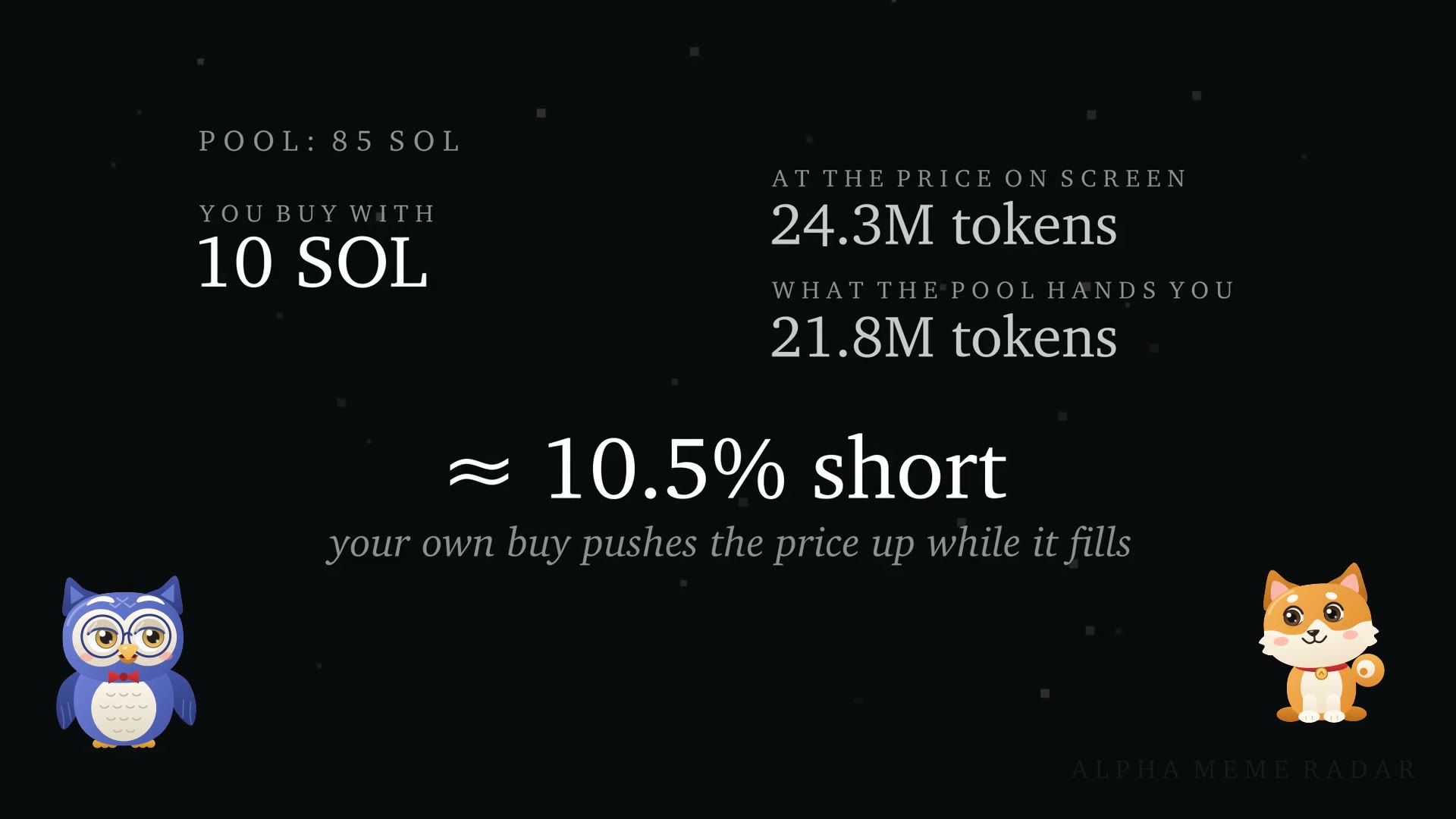
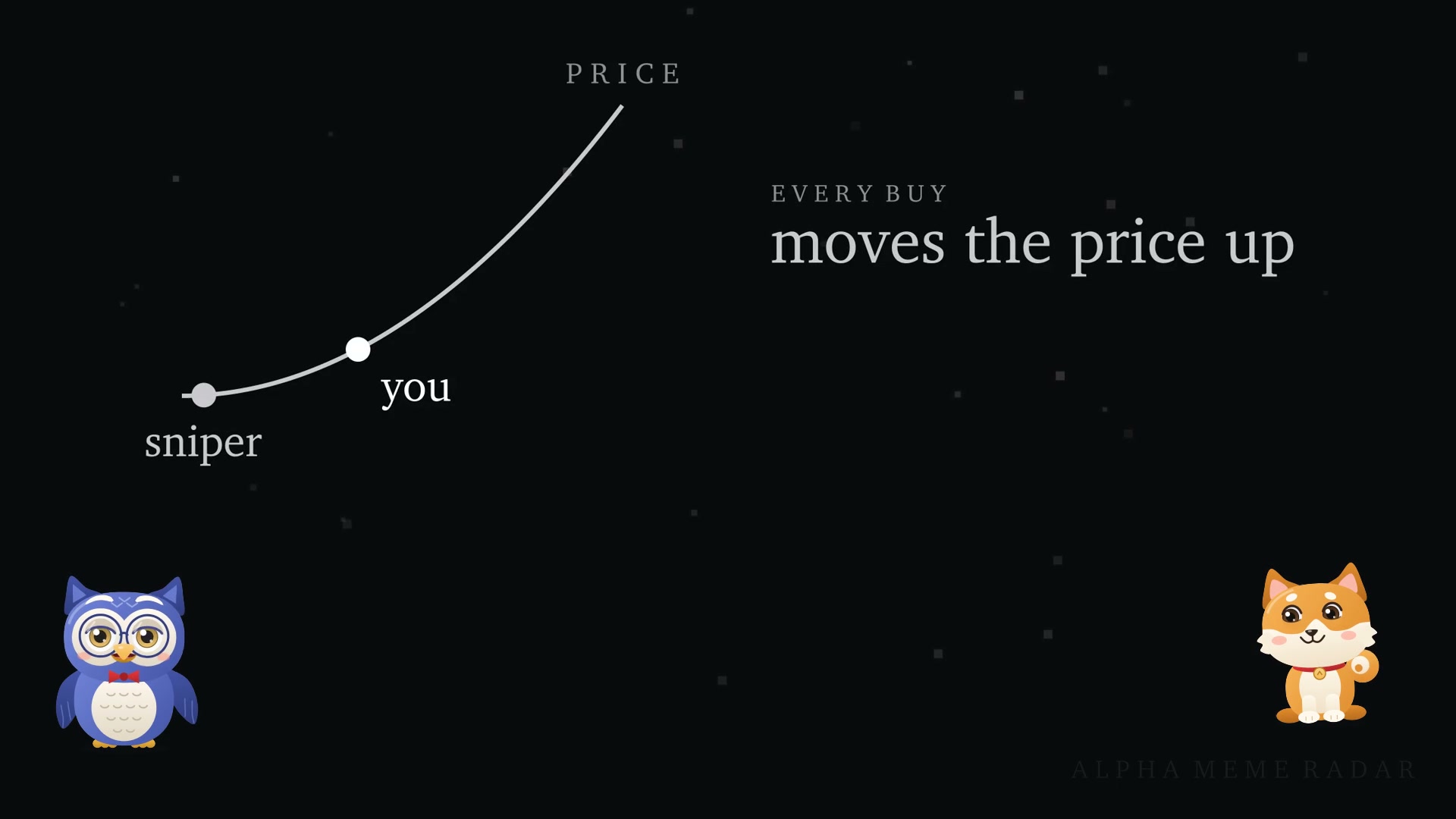
- Bonding curve. 800 million tokens are sold on the curve. Each buy raises the price and each sell lowers it, and every trade pays a 1% fee. See what slippage is for why large buys fill at a worse price.
- Graduation. When the curve reaches its target, the remaining 20% of the supply and the raised funds are placed in a PancakeSwap V2 pool, and the LP tokens are burned. Nobody, including the creator, can withdraw that launch liquidity.
- After graduation. The token trades on PancakeSwap like any other BEP-20 token. Holders can add their own liquidity to the pool; our guide shows how to add and remove liquidity on PancakeSwap.
- Most tokens never graduate. Hundreds of tokens are created every day, and a token that stalls on the curve can still be sold back to it, at whatever price the curve gives.
A creator who holds a large share of the supply can still sell it. Read what a rug pull is and how market cap differs from liquidity before you launch or buy.
Frequently Asked Questions
What is Four.meme?
Four.meme is a launchpad on BNB Chain where anyone can create a token that trades on a bonding curve and then moves to PancakeSwap once it has raised its target.
How much does it cost to launch a token on Four.meme?
Creating a token is free. Four.meme's documentation says the only cost is the transaction fee of about 0.005 BNB, plus any first buy you choose to make.
How much does a Four.meme token need to raise to graduate?
About $10,000 in the raised token. On November 15, 2026 the form showed 16.7 BNB, 10,000 USDT or 10,020.1 USD1.
Where do Four.meme tokens trade after graduation?
Classic Mode tokens move to a PancakeSwap V2 pool and the LP tokens are burned. Some Open Mode presets graduate to other exchanges.
What are Four.meme donations?
Four.meme has no feature called donations. When you enable a token tax, the form lets you allocate part of it to Giggle Charity or Binance Charity, and there is a Charity tag for tokens.
Can I launch on Four.meme without code?
Yes. The create form deploys the token contract for you.
Related Guides
- How to add and remove liquidity on PancakeSwap
- How to make a coin on Pump.fun (Solana)
- How to launch a token on Clanker (Base and BNB Chain)
- What is a sandwich attack?
This guide is for education and is not financial advice. Launching or buying a memecoin can lose you the full amount you put in.