Update, November 15, 2026: Rainbow Wallet's in-app token launcher can no longer be opened in the current app. Version 2.0.47, released on November 3, 2026, replaced the King of the Hill tab, which held the Launch button, with a Sports tab. Rainbow has not made a separate announcement about the launcher. If you want to launch a memecoin on Base today, use Clanker or Zora, both covered below.
The rest of this guide explains how the Rainbow launcher worked, for readers on an older version of the app and for anyone holding a token that was launched with it. Our video shows the flow as it was in late 2025:
How to Launch a Memecoin on Base Right Now
These launchers work today and need no code:
- Clanker: open clanker.world, click Create, set a name, symbol, image and a 1% to 10% tax, and deploy. There is no launch fee, only gas, and the launch liquidity is locked for good.
- Zora: creator coins and post coins tied to a social profile on Base.
On other chains, see our guides to Pump.fun on Solana and Four.meme on BNB Chain.
The Rainbow Token Launcher at a Glance
This is how the launcher was set up in the last version that included it, 2.0.46.
Setting | What the Rainbow launcher did |
|---|---|
Where | The Rainbow mobile app on iOS and Android: the Launchpad (King of the Hill) tab, then Launch. It was never in the browser extension. |
Chain | Base only. The network field was locked. |
Protocol | Liquid Protocol, a fork of Clanker v4, since April 2026. Before that, launches went through Clanker. |
Total supply | 100,000,000,000 tokens, fixed |
Pool | Uniswap v4, paired with WETH, starting at a market cap of about 10 ETH |
Cost | Gas on Base, plus any pre-buy. Rainbow published no dollar figure. |
Pre-buy | Optional, up to 1 ETH |
Creator earnings | Rainbow told its investors that 100% of LP fees from tokens created in Rainbow go to the token creator |
Sources: Rainbow's app release notes, its token launcher SDK and its investor update on Liquid Protocol, checked on November 15, 2026.
How the Rainbow Launcher Worked, Step by Step
If your app is on version 2.0.46 or earlier and still shows the Launchpad tab, these are the steps. The screenshots are from late 2025, when one screen looked different from the final version.
Step 1: Download Rainbow Wallet
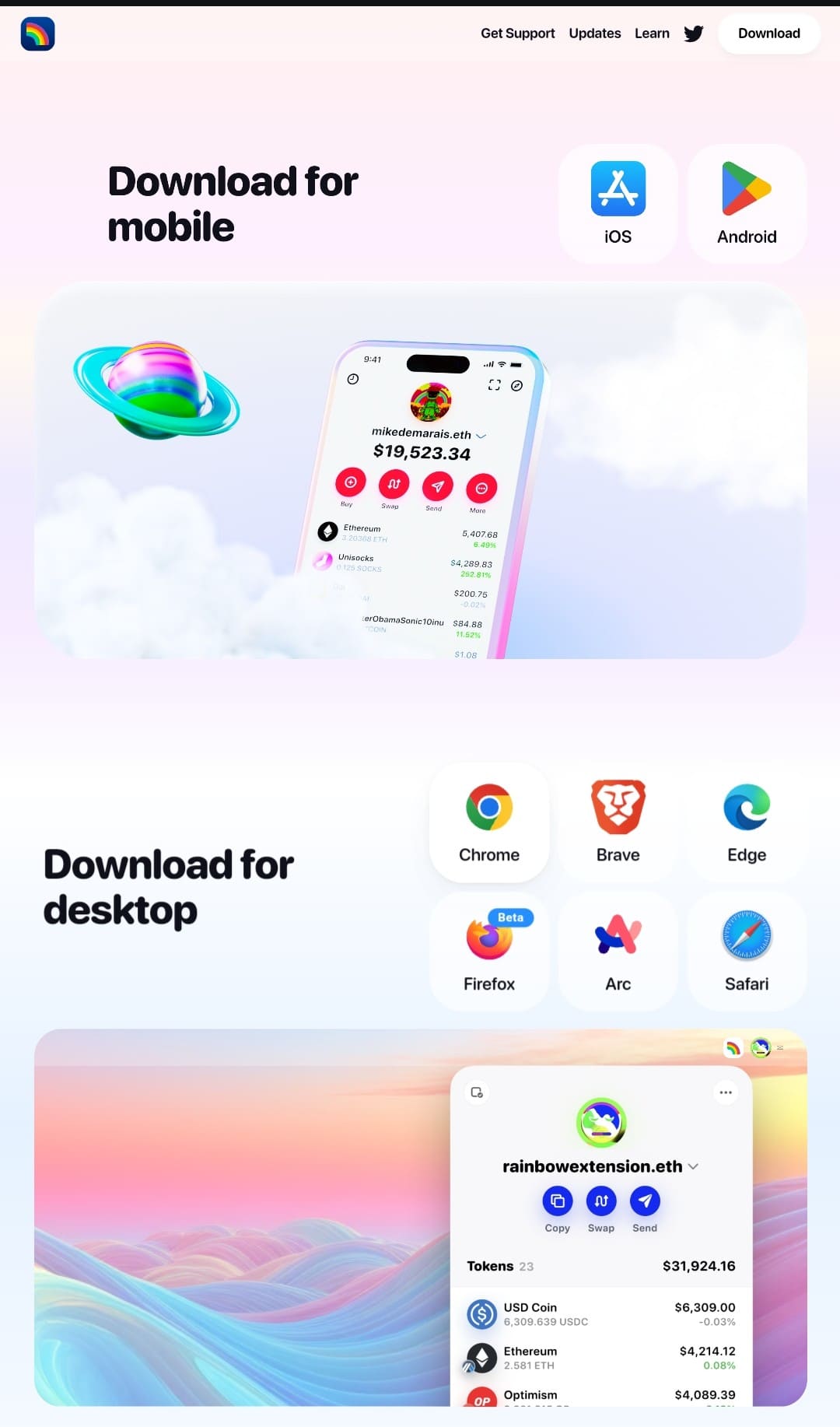
Install the Rainbow app on iOS or Android from rainbow.me.
Rainbow is a self-custody wallet for Ethereum and other EVM chains. Download it from rainbow.me or from the App Store or Google Play.
Step 2: Create or import a wallet
Create a new wallet or import an existing one, and fund it with ETH on Base.
Open the app and choose to create a new wallet or import an existing one. If you create a new wallet, write the secret phrase down on paper and keep it offline. Do not screenshot it or store it in the cloud. The launcher did not support hardware wallets.
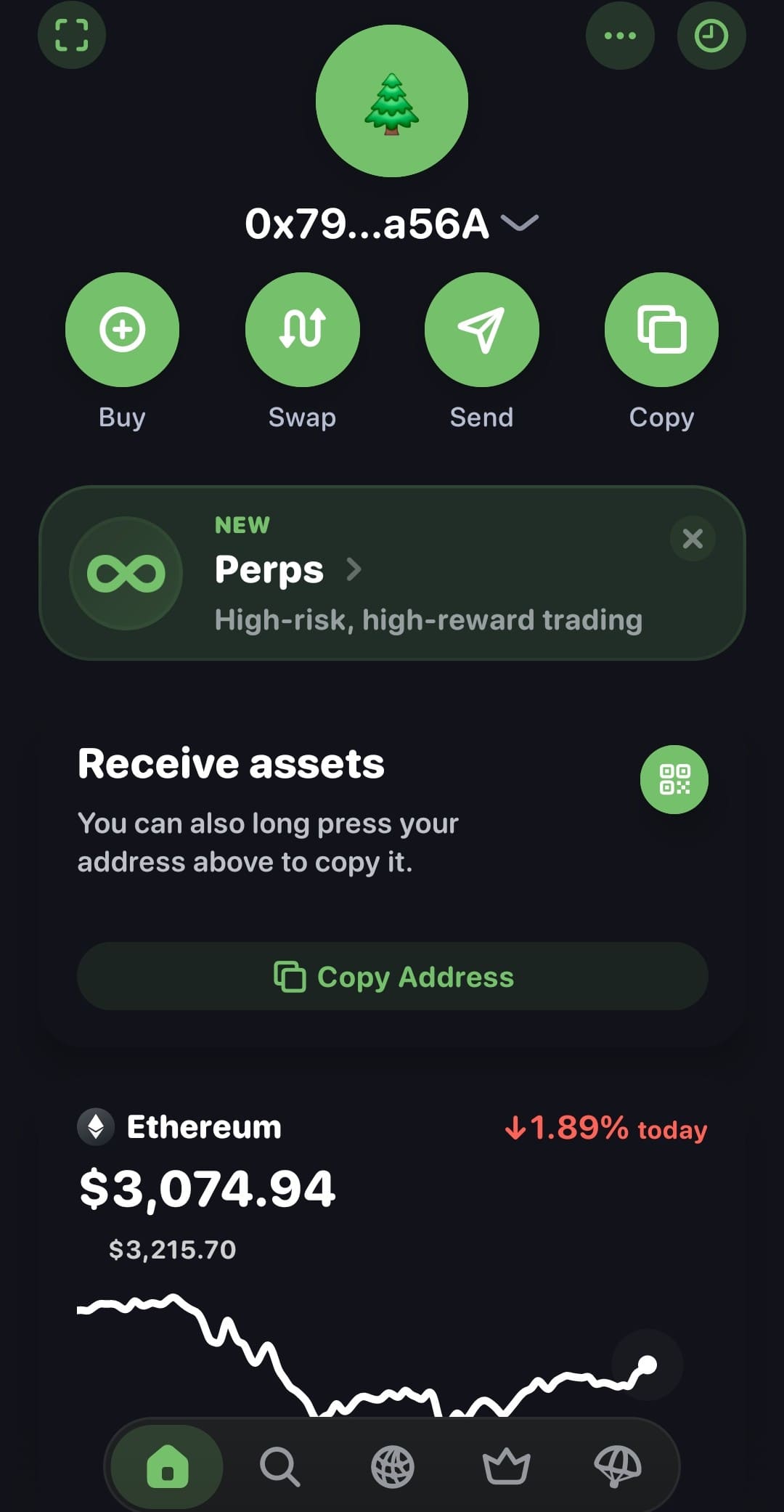
You then needed ETH on Base to pay gas and any pre-buy.
Step 3: Open the Launchpad tab and tap Launch
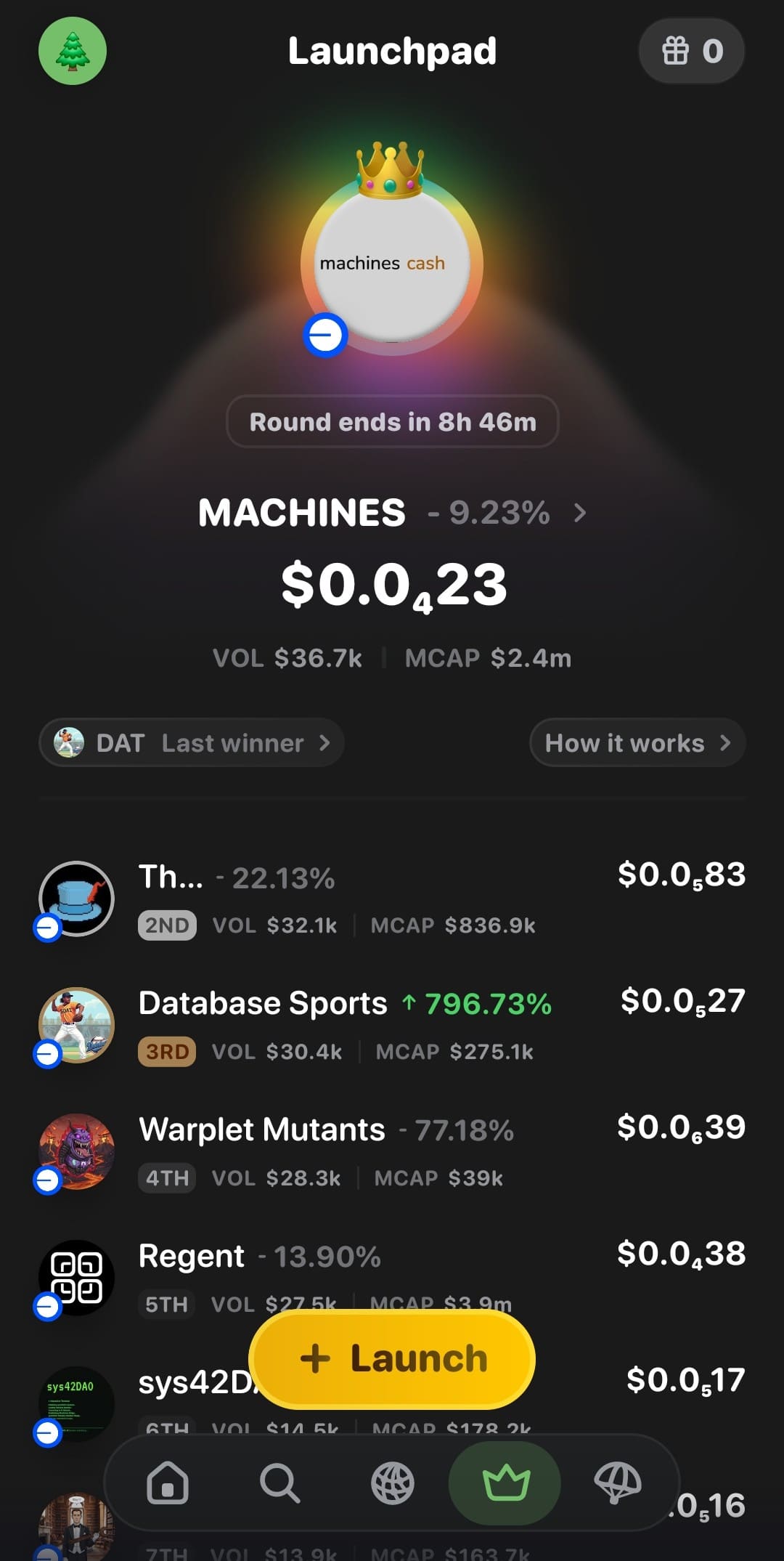
Tap the crown icon in the bottom bar, then Launch.
The crown icon in the bottom navigation bar opened the King of the Hill screen, titled Launchpad. King of the Hill was a daily competition between tokens. The Launch button on that screen opened the launcher. This tab is the part that version 2.0.47 removed.
Step 4: Enter the coin details
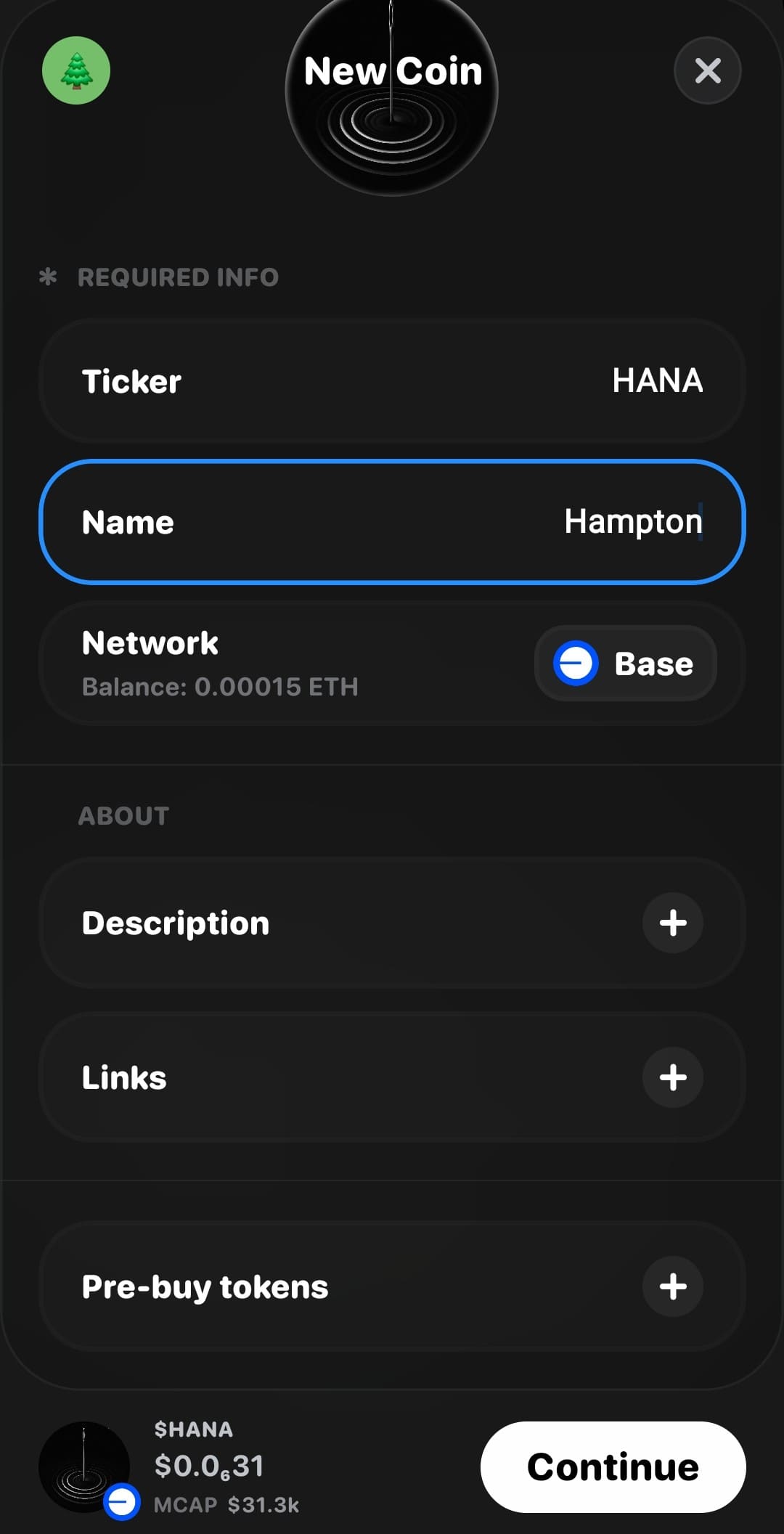
On the New Coin screen, add the image, ticker, name, description and links.
The New Coin screen asked for:
- Token image
- Ticker
- Name
- Network, fixed to Base
- Description
- Links: a website, plus X, Telegram, Farcaster or other links through Add More
Step 5: Choose an optional pre-buy
Pick a pre-buy amount or skip it, then tap Continue.
Under Pre-buy tokens you could buy some of your own coin in the launch transaction: 0.05, 0.10, 0.50 or 1.00 ETH, or a custom amount up to 1 ETH. The creator received no free allocation, so a pre-buy was the only way to hold tokens from the start. Then you tapped Continue.
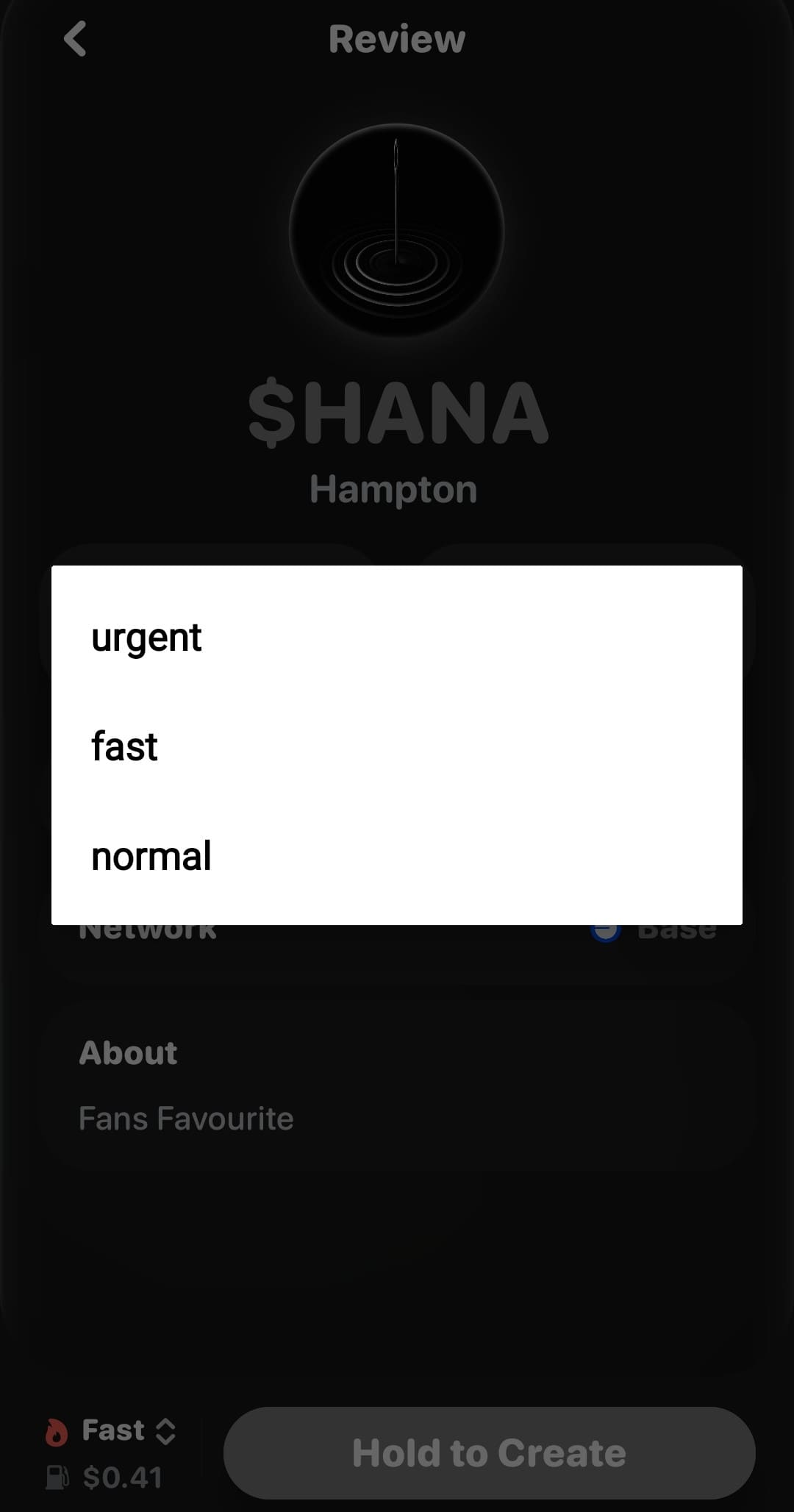
The screenshot below shows a transaction speed choice from the late-2025 version of the app. It is not part of the final launcher.
Step 6: Review and hold to create
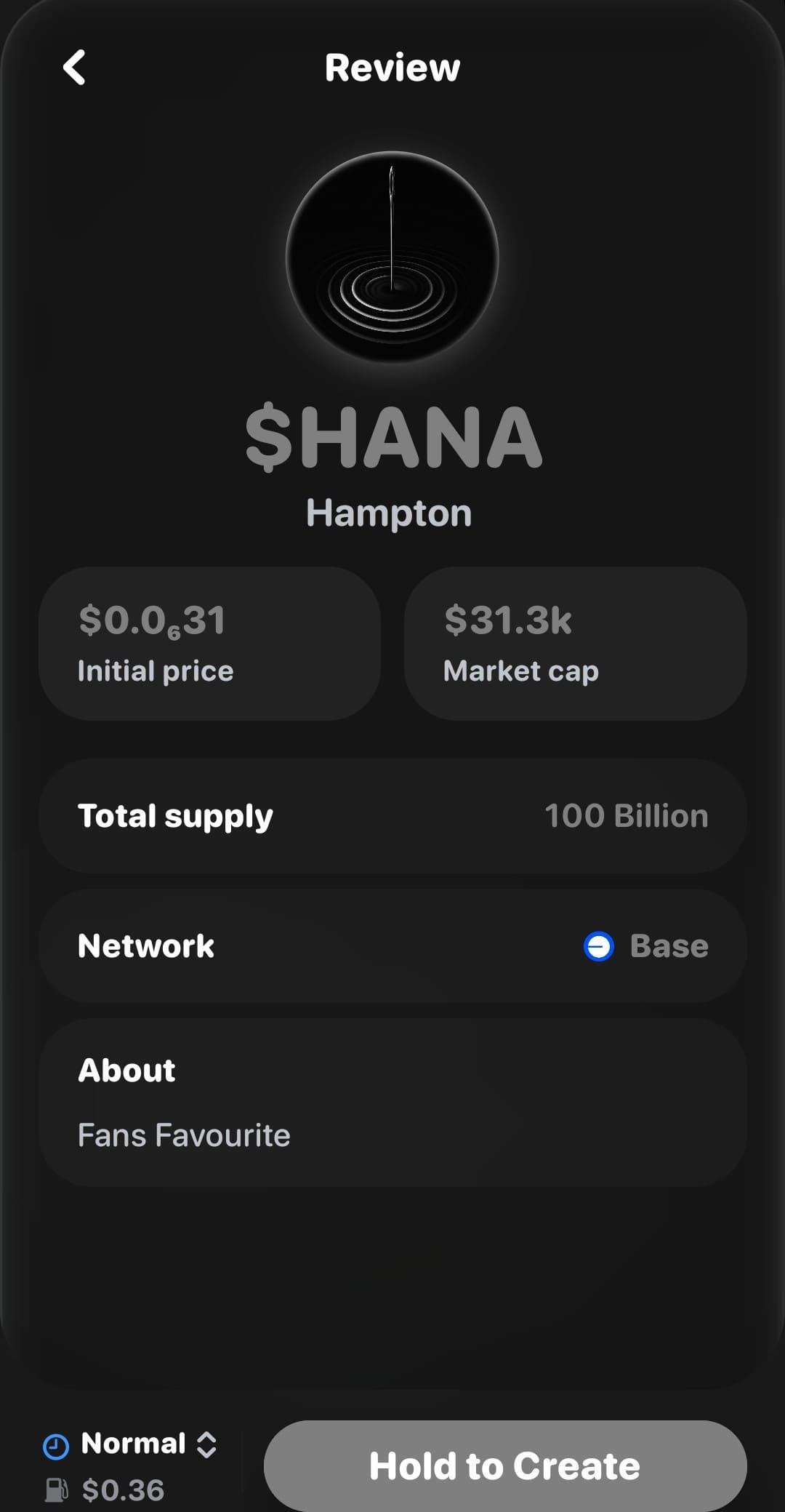
Check the review screen, then press and hold Hold to Create.
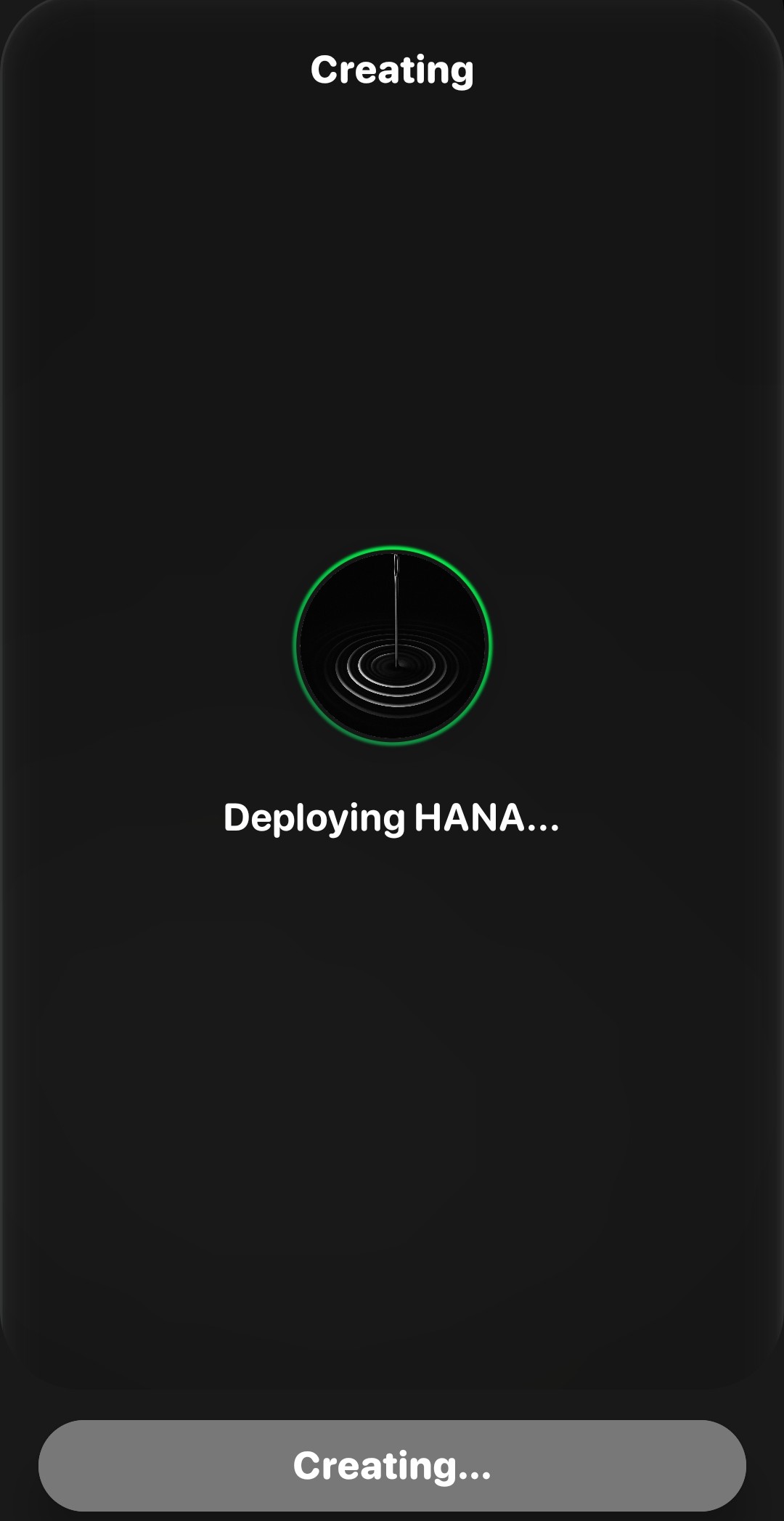
The Review screen listed the network, total supply, total cost, initial price and market cap. Pressing and holding Hold to Create signed and sent the transaction.
Step 7: Share the token
When the token is live, tap Share Link.
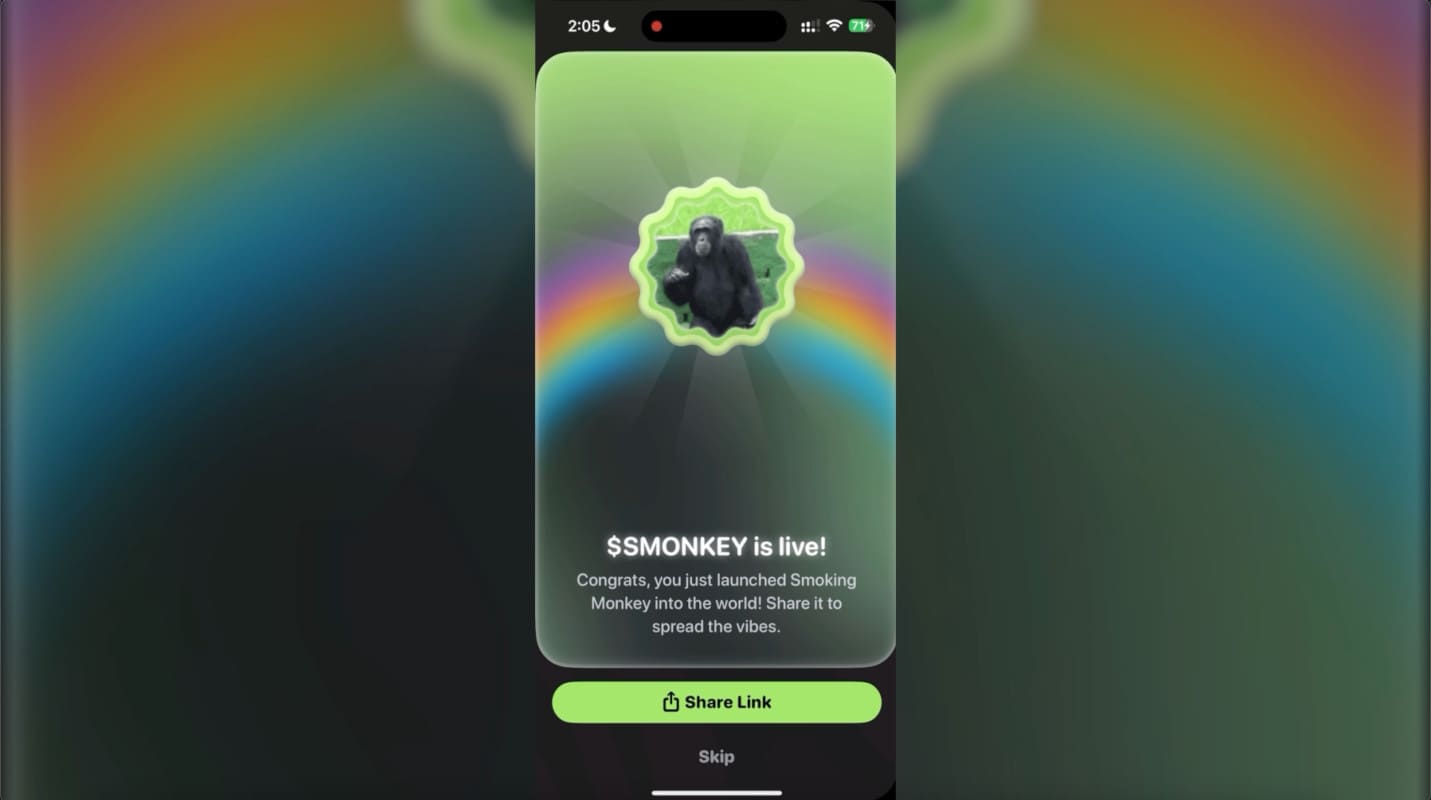
When the coin was deployed, the app showed that it was live, with Share Link and Skip buttons. The link opened the token's page.

If You Already Launched a Token With Rainbow
- Your token still exists on Base and trades in its Uniswap v4 pool. Removing the tab from the app does not affect tokens that were already launched.
- Tokens launched in the app before April 2026 are Clanker tokens. Tokens launched from April 2026 are Liquid Protocol tokens.
- Liquid Protocol states that liquidity is locked permanently and that the default fee is 1% on buys and sells. Those are Liquid's statements; Rainbow did not publish them itself.
- For background, read how Clanker locks liquidity and what a rug pull is.
Frequently Asked Questions
Can I still launch a token in Rainbow Wallet?
Not in the current app. Version 2.0.47, released on November 3, 2026, replaced the King of the Hill tab and its Launch button with a Sports tab, and later versions do not bring it back.
How do I launch a memecoin on Base without code?
Use a launcher such as Clanker or Zora. On Clanker you connect a wallet at clanker.world, enter a name, symbol and image, set the tax, and deploy for the cost of gas.
Did Rainbow launch tokens through Clanker?
It did until April 2026. From then until the launcher was removed, it used Liquid Protocol, which is a fork of Clanker v4.
How much did it cost to launch a token on Rainbow?
Gas on Base plus any pre-buy. Rainbow did not publish a figure, and gas on Base changes with network demand.
Has the RNBW token launched?
Yes. Rainbow's investor updates state that the RNBW token generation event and airdrop took place on February 5, 2026.
Related Guides
- How to launch a token on Clanker
- How to launch creator coins on Zora
- What is slippage?
- Market cap vs liquidity
This guide is for education and is not financial advice. Launching or buying a memecoin can lose you the full amount you put in.