
When people talk about smooth user experience in crypto, Rainbow Wallet often comes up first, and for a good reason of course. It isn’t just another Ethereum wallet competing for attention, Rainbow has steadily built a reputation for blending simplicity, security, and powerful features into one platform. This makes it the most friendly interfaces in the EVM ecosystem.
It's not just about the seamless swaps on the platform. There's the new wave of an upcoming $RNBW token launch. So clearly, Rainbow Wallet is practically evolving into a full-blown DeFi toolbox.
Currently, users and creators can even launch Base tokens directly from the app. Yes, you can launch tokens on the platform , same way you have on Pump.fun, Four.meme and ZORA. Rainbow Wallet now brags offering the easiest ways for anyone to launch a token without any long processes. In addition, many didn't know but Rainbow wallet integrates Clanker under the hood. So any token you launch on Rainbow.me (via base) you are actually launching a Clanker v4.0 token, this comes with a host of benefits including exposure to the Farcaster and Clanker ecosystem.
Now, Let’s break down what makes Rainbow special, and then walk you through exactly how to launch your Base token using it.
Why Rainbow Wallet Stands Out
1. A User-Friendly Interface That Anyone Can Navigate
One of the biggest selling points of Rainbow is how clean and intuitive it is. It's not important if you're a beginner or someone who manages multiple wallets daily, Rainbow is designed to remove the clutter and leaves you with a smooth, beautifully designed UI. Everything sits where you expect it, and nothing feels overwhelming or frustrating, even for newbies.
2. Built-In Swap Engine
Here, users don't need to jump between apps. Rainbow also integrates directly with DEXs like Uniswap, allowing you to swap assets instantly without leaving the wallet. It’s fast, secure and also gas-efficient, especially on Base.
3. A Complete DeFi Toolkit
Rainbow also has evolved far beyond a simple wallet like others. Currently, it allows you to:
- Swap tokens
- Bridge across networks
- Trade perps
- Manage NFTs
And even launch your own token, of course!
Everything happens inside one interface, making Rainbow a true DeFi command center.
4. Rainbow Rewards System
Loyalty actually pays. Using Rainbow earns you Rainbow Points, which contribute to your user profile and ecosystem participation. These points matter, especially with the confirmed Q4 $RNBW token launch.
Yes, you read that right. Rainbow is launching its token, and early users stand to benefit the most.
5. Upcoming $RNBW Token Launch (Q4 Confirmed)
The team has officially confirmed that $RNBW will launch in Q4, and active users will receive retroactive rewards. If you've been bridging, swapping, creating tokens or simply using the wallet consistently, then, you're positioned well to get some rewards.
How to Launch a Base Token Using Rainbow Wallet
For a step-by-step guide on launching your very own memecoin on Rainbow wallet make sure to check out our YouTube video:
Launching a token used to be a technical, developer-heavy task. Rainbow Wallet changed that.
Here’s the full step-by-step guide to launching your token on Base using Rainbow:
Step 1
Download Rainbow Wallet
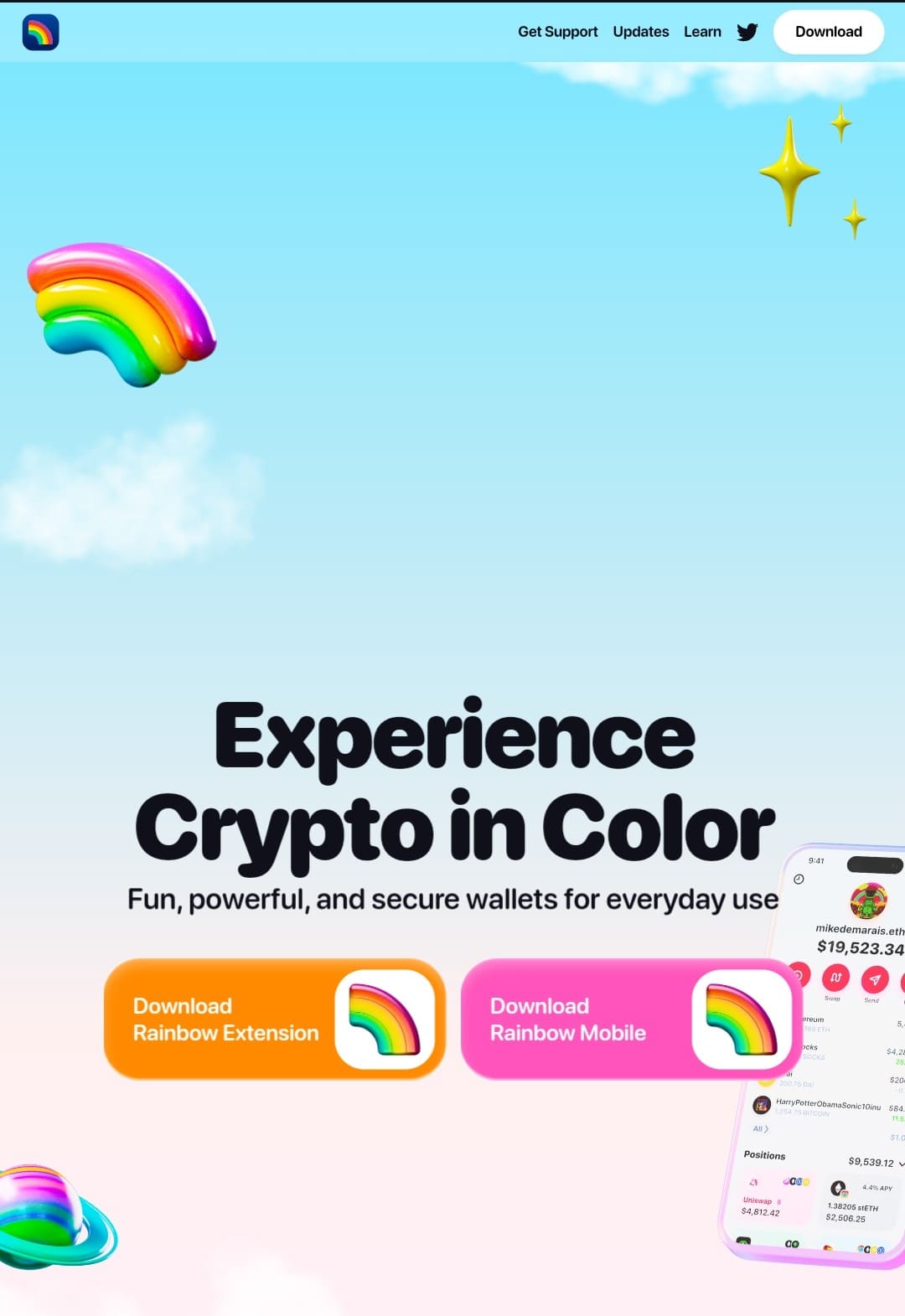
Visit: https://rainbow.me
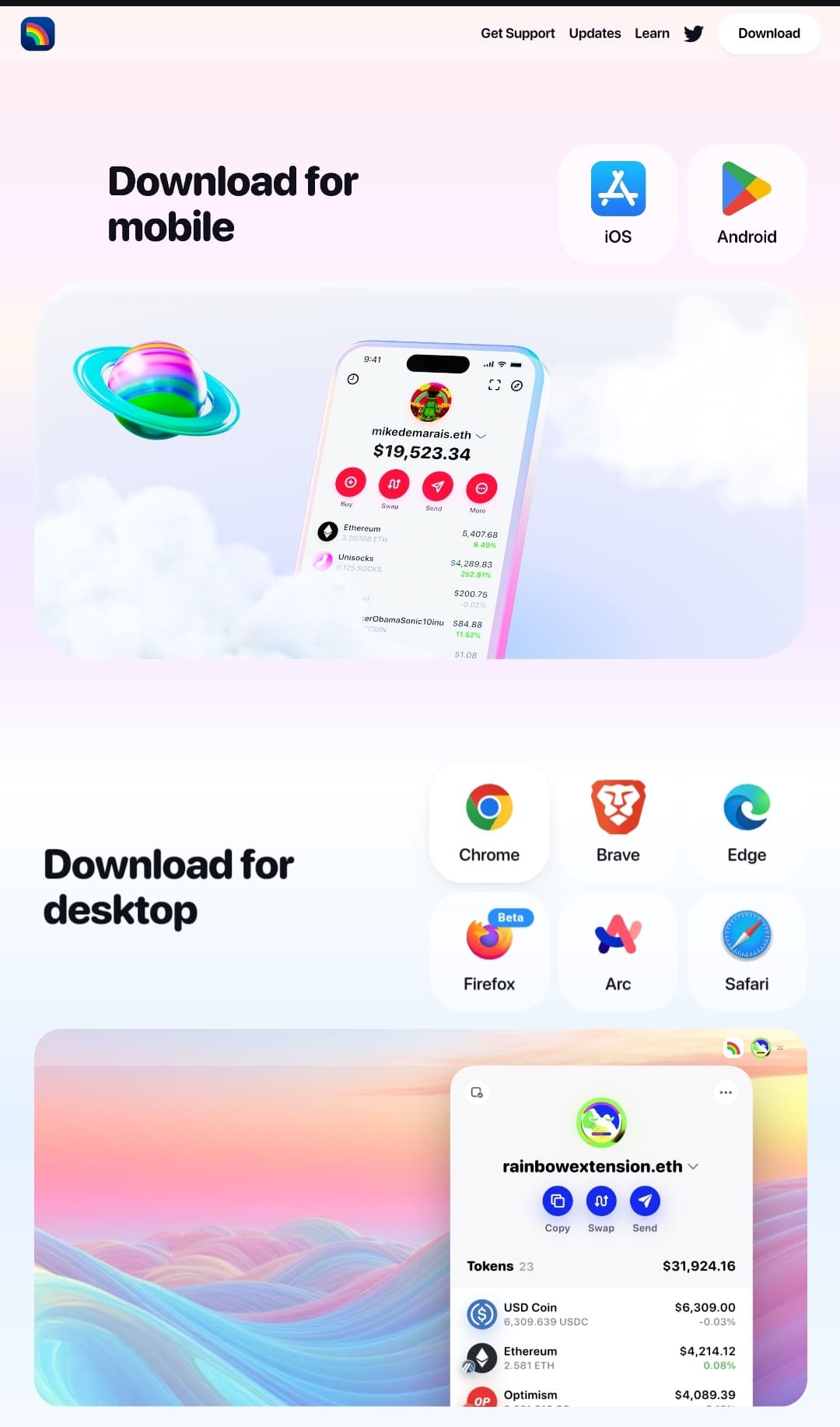
The app is available on both iOS and Android.
Download it and install it like any regular mobile app. For the purpose of this tutorial, we will be using the easiest and most accessible option, Android App Download.
Step 2
Create or Import Your Wallet
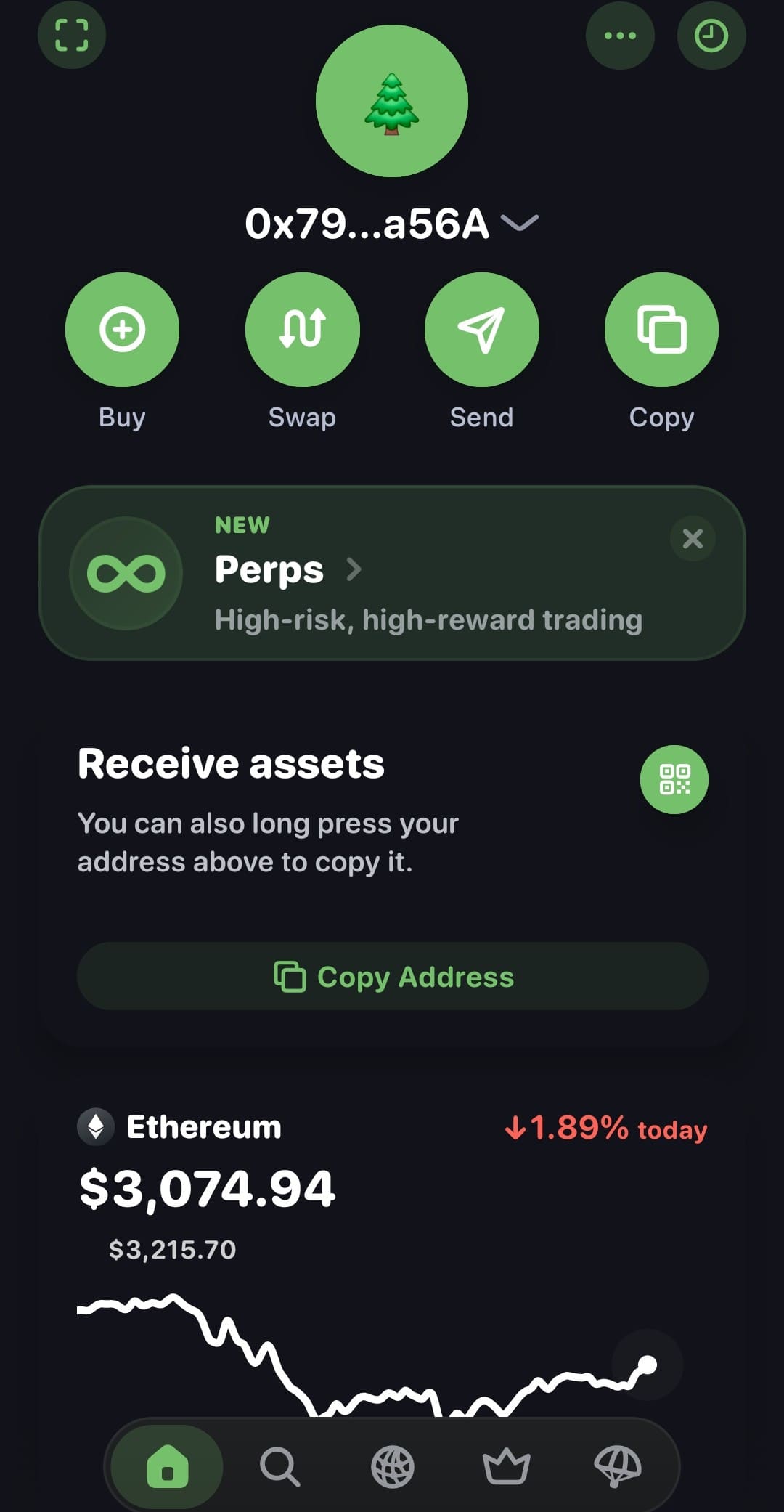
When you open the app after downloading, you'll see the normal usual layout with every other wallet out there. Nothing complex at all. Then, once you've opened the wallet. You’ll see two options:
1. Create a new wallet, or
2. Import an existing one
If you’re creating a new wallet, make sure to store your seed phrase safely. Stand security measure. Makes sure you Write it down, don’t screenshot it. Don’t upload it to the cloud. Write it down and keep it safe.
Step 3
Access the Token Launch Feature
Once you're inside the app, look at the bottom navigation bar and click the crown icon.
This crown represents Rainbow’s creator tools.
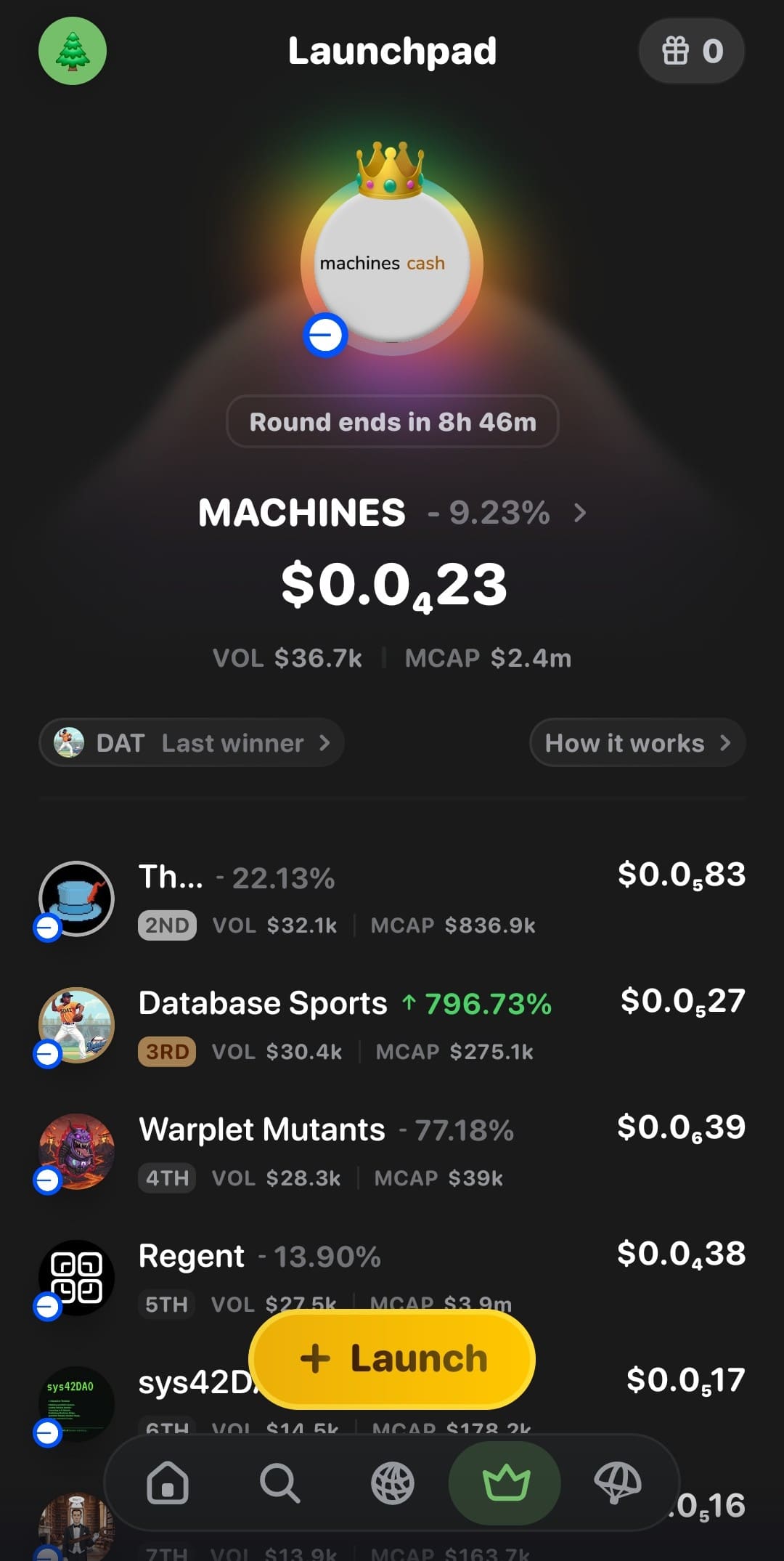
Then, process to Click on "Launch" as shown in the image above. Now, this is where the magic happens.
Step 4
Enter Your Token Details
Just like every other launchpads, you'll be required to fill in everything your Base token needs, such as:
- Token Image
- Ticker
- Token Name
- Description
- Website / Social Links
- Amount of tokens you want to pre-buy (optional)
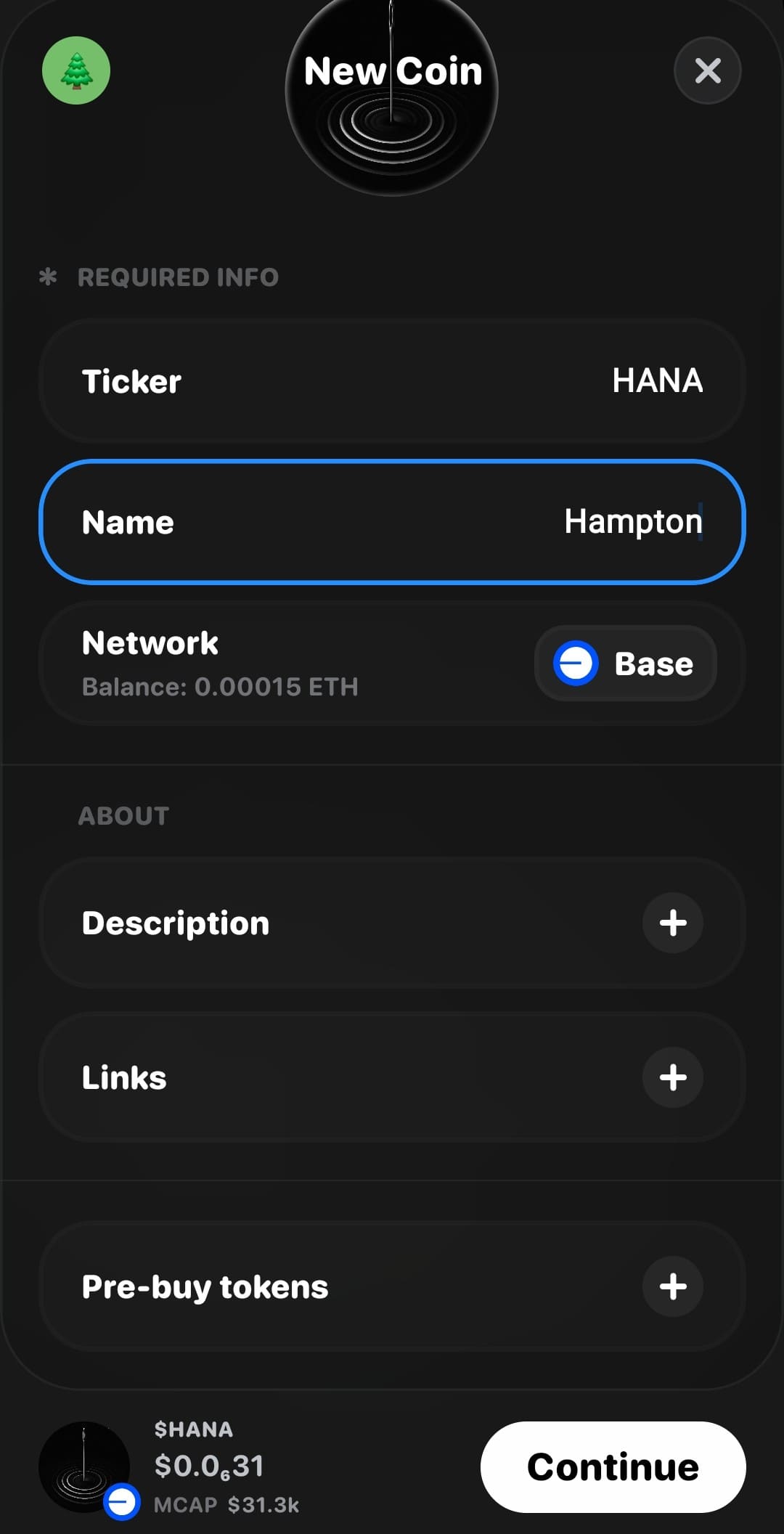
Now, Once you’re done filling out the details, you can proceed to tap “Continue”.
Remember that this page forms the foundation of your token’s identity, so double-check your spelling and branding before proceeding as you won't be able to change them later.
Step 5
Choose Your Launch Mode
Next step, Rainbow gives you three launch-speed options:
1. Urgent (Fastest, higher gas)
2. Fast (Mid-range)
3. Normal (Cheap and stable)
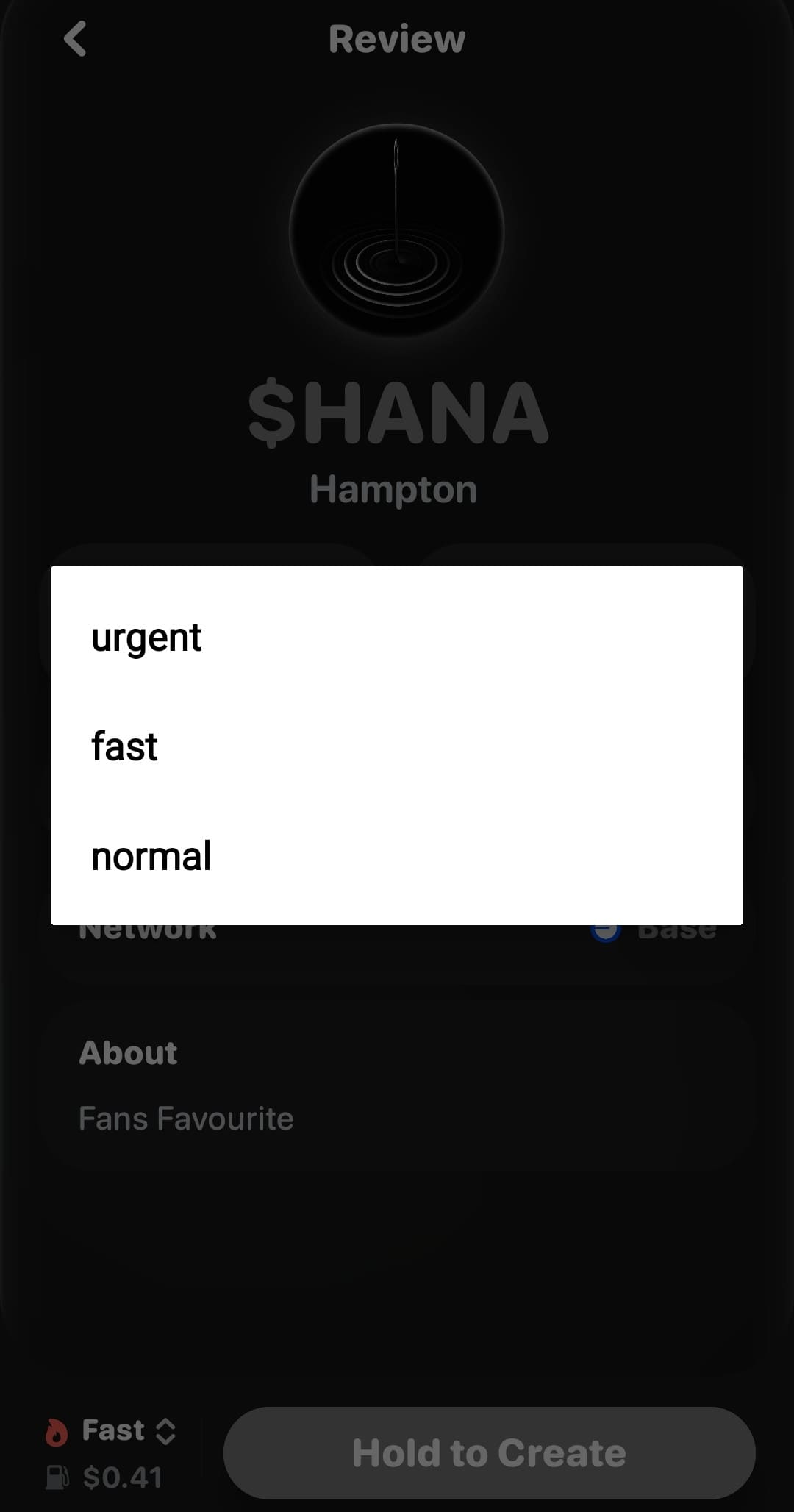
Regardless of your choice, you only need around this range, $0.40 – $0.60 worth of Base ETH to complete the launch.
It's important to carefully confirm all your token details before proceeding to the next and final phase. If everything looks good, move to the final step.
Step 6
Hold to Create
Tap “Hold to Create” and wait as the wallet signs your transaction.
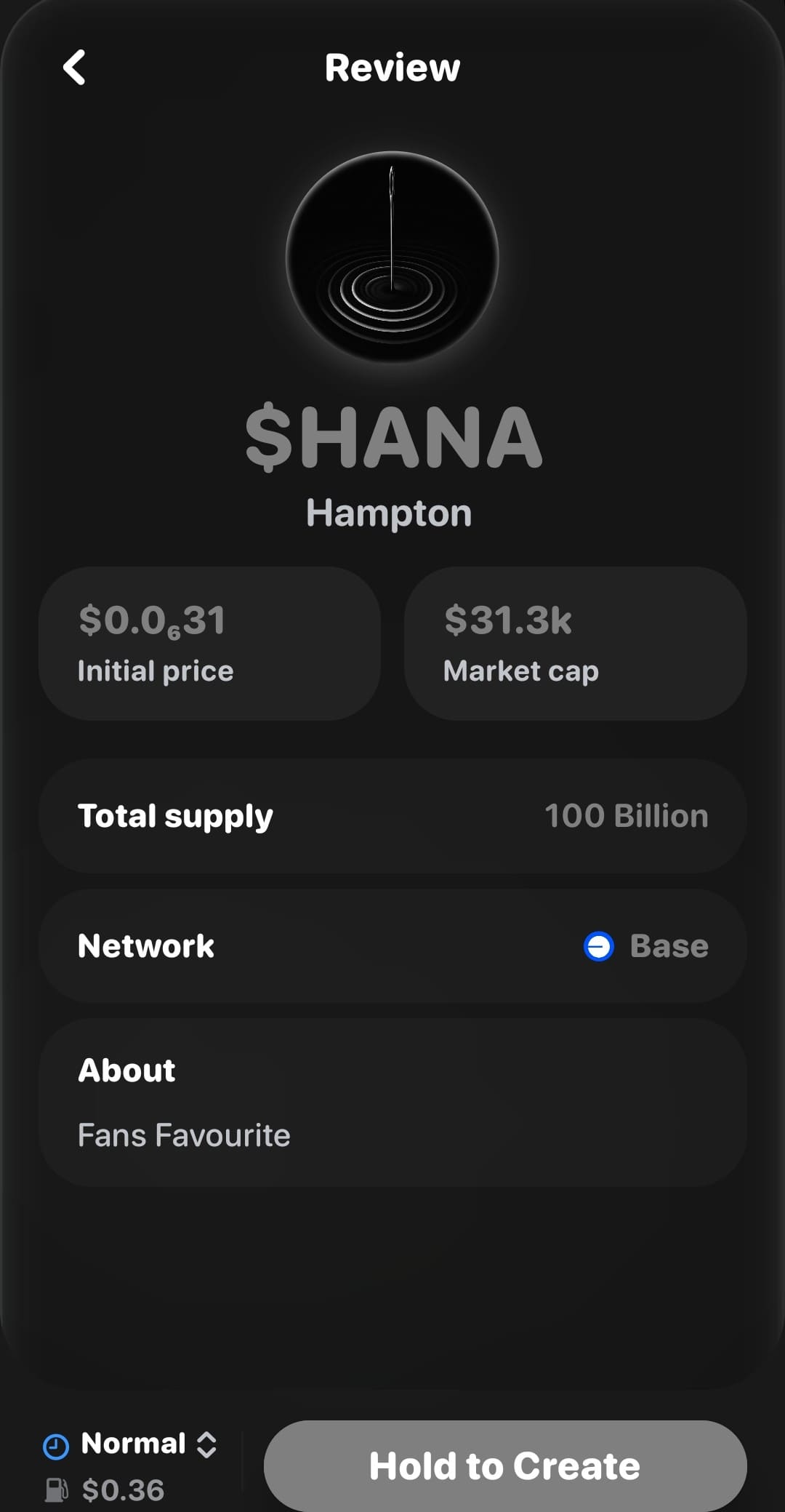
Approve the transaction when prompted.
Rainbow handles the rest.
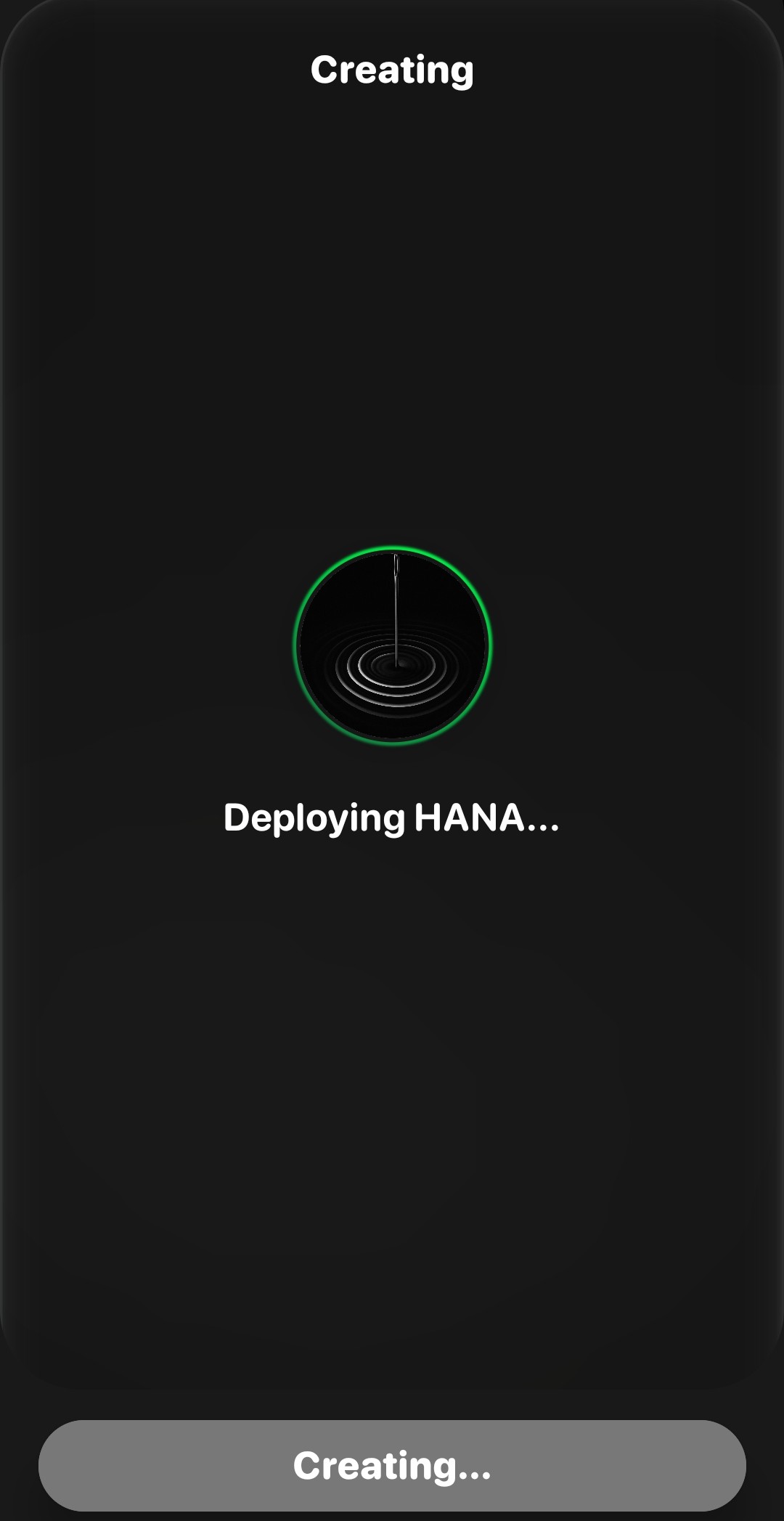
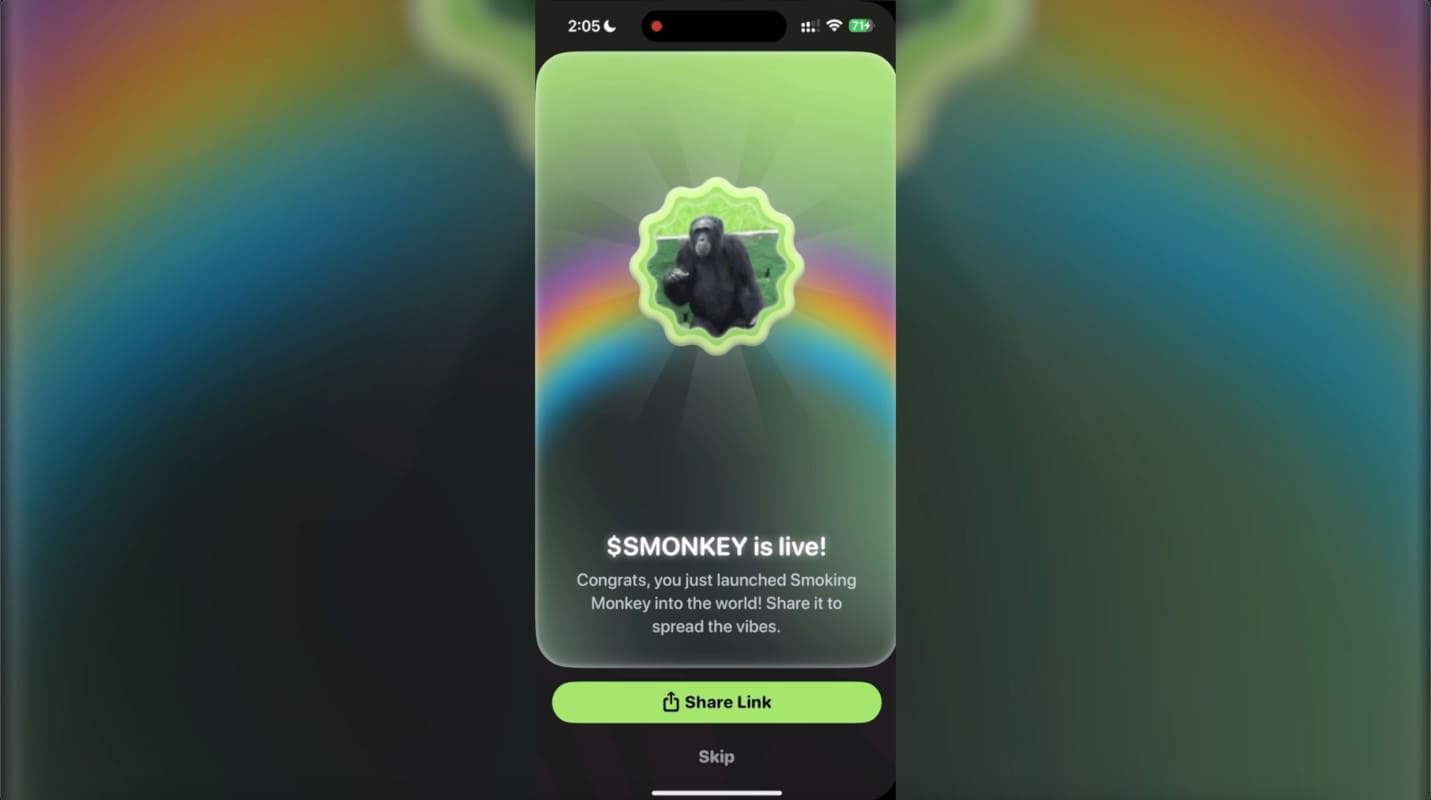
Your token will deploy automatically on Base, and you’ll see confirmation once it’s live as shown in the image below.
Step 7
After Launch: Share Your Token
Once everything is approved and deployed (as you can see, it launched through Clanker), Rainbow Wallet will display a share link.

Click “Share Link” to Copy Link.
The next step is to simply share this link and it leads directly to your token page, making it easy to share with your community or your launch group.
Final Thoughts
Rainbow Wallet has managed to do what few wallets even attempted, that's to make token creation accessible, fast, and safe, without requiring any coding knowledge or any other long processes.
If you’re experimenting, building a meme token, creating a community asset, or launching something more serious, Rainbow’s Base launch tool simplifies everything into a clean step-by-step workflow. Also, with the Q4 $RNBW token launch on the horizon, now is a great time to start using the wallet more actively, launches like this often reward early users the most.
If you're looking to check out other launchers, like the OG Pump.fun, make sure to check out our tutorial on How to Launch your Memecoin on Pump.fun. Base & Solana are two of the best options right now for launching a fresh meme, and we highly recommend either chain.